0/500
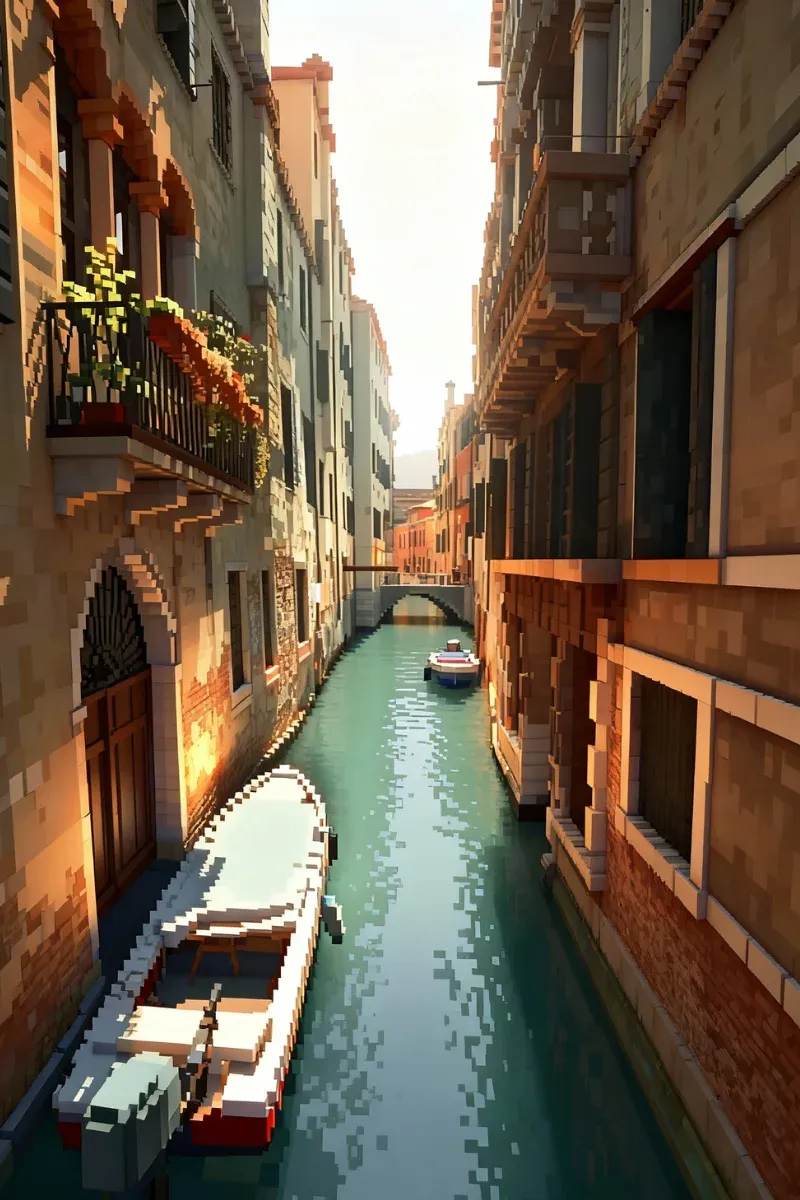
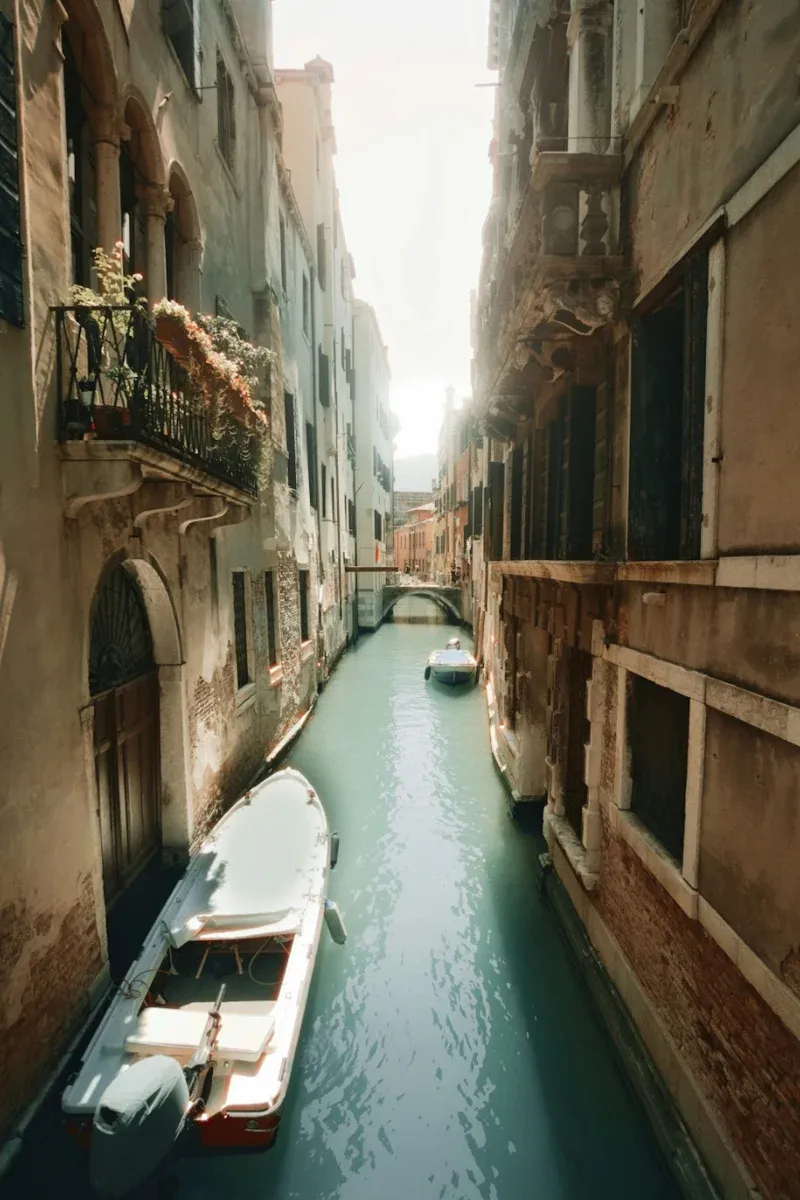
This Minecraft pixel art generator analyzes every pixel of your image and matches it with the closest Minecraft block color available. The result stays faithful to the original image while remaining practical to build, saving you hours of trial and error.
Turn Image into Minecraft Pixel Art for Free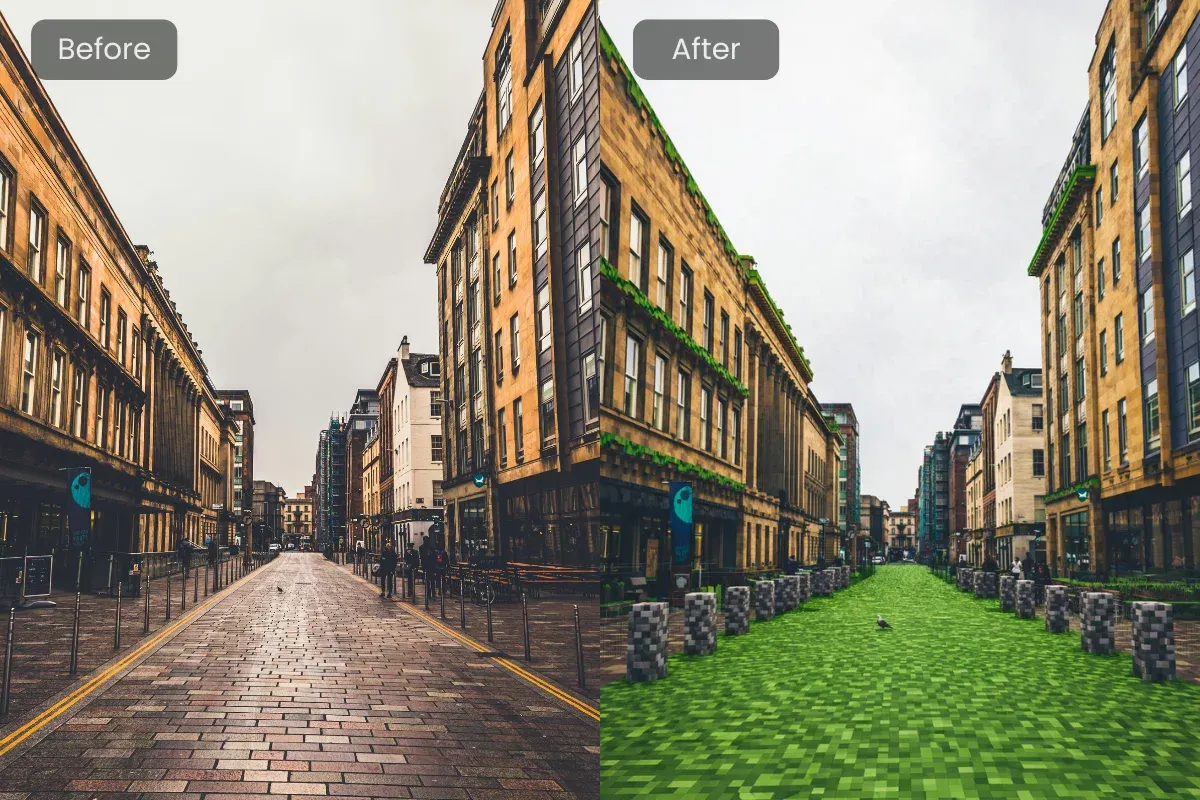
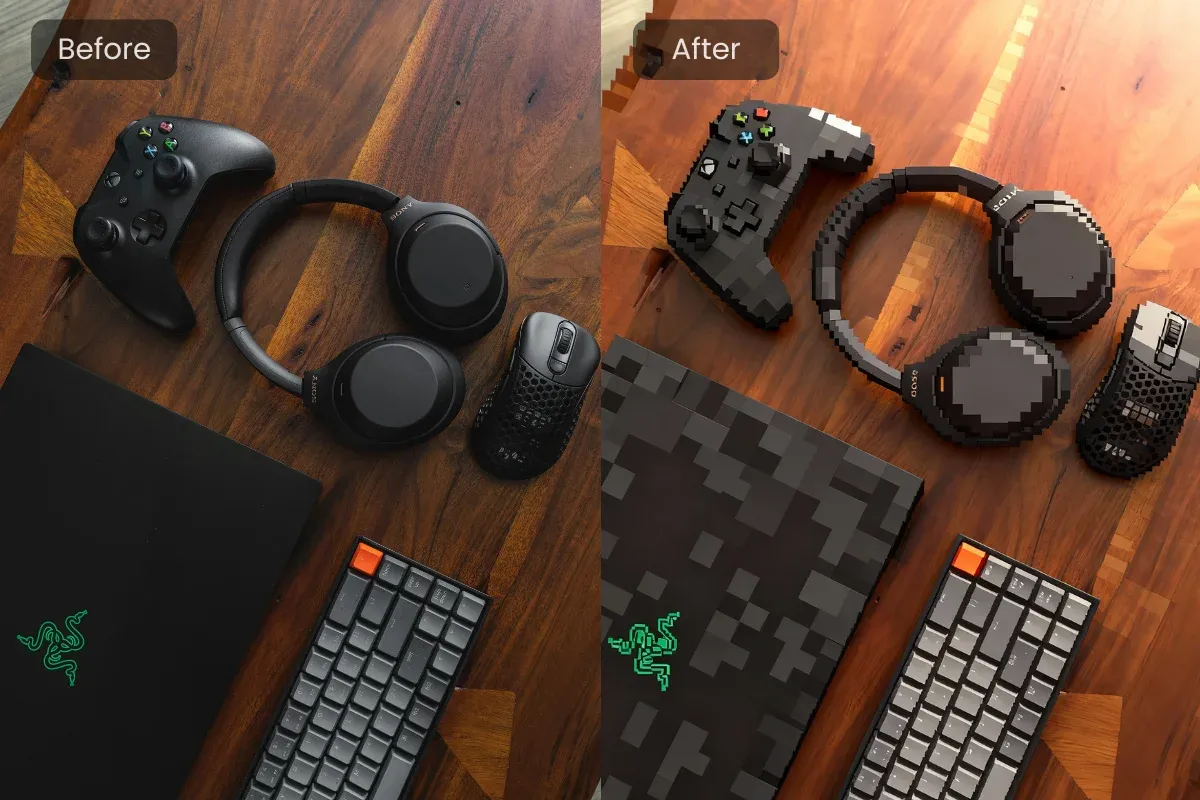
Designed with players in mind, our Minecraft pixel art generator exports creations into formats that work seamlessly with popular in game building workflows. Move from image to world smoothly, without complex setup or external tools slowing you down.
Start for Free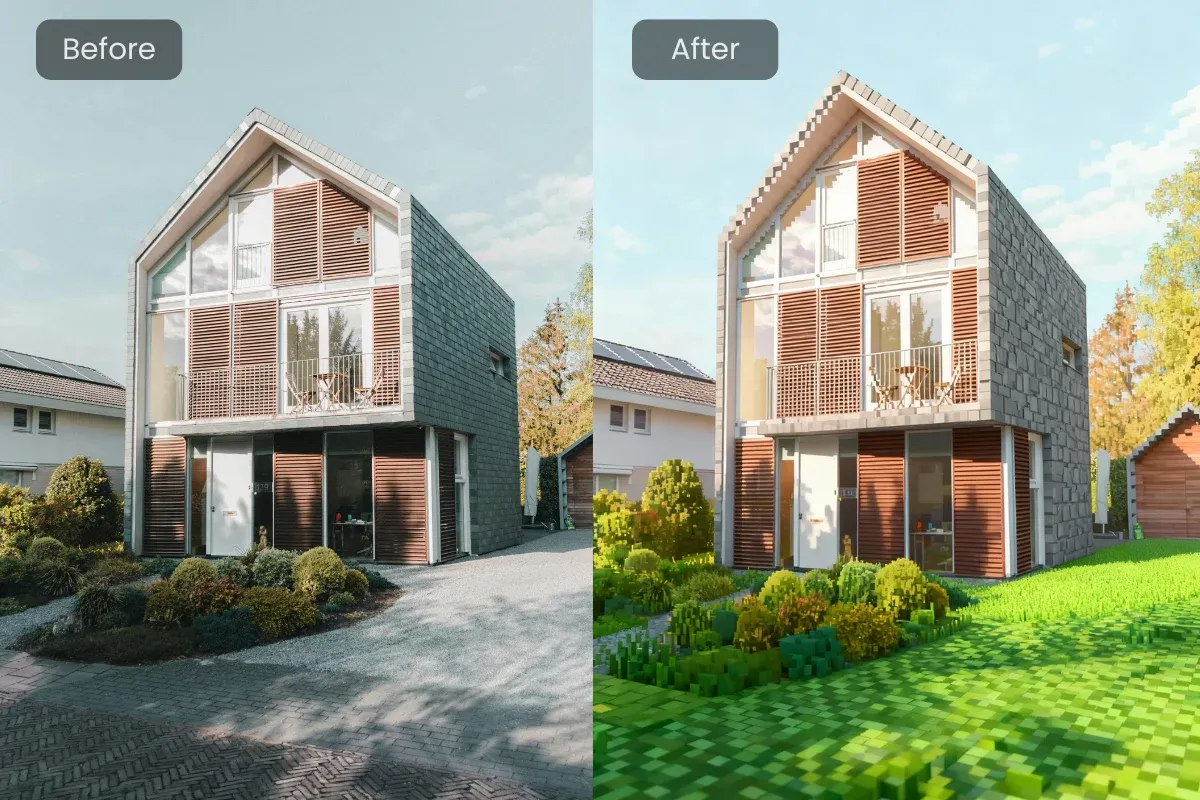
Unlike basic converters, this pixel art generator for Minecraft lets you refine the final result. Adjust colors, tweak block placement, or edit details manually so your pixel art fits perfectly into your build, map, or server theme.
Start for FreeGive your server a visual identity players remember. Use our Minecraft pixel art generator to turn logos or symbols into clean, build ready designs that look sharp on walls, banners, or spawn areas.
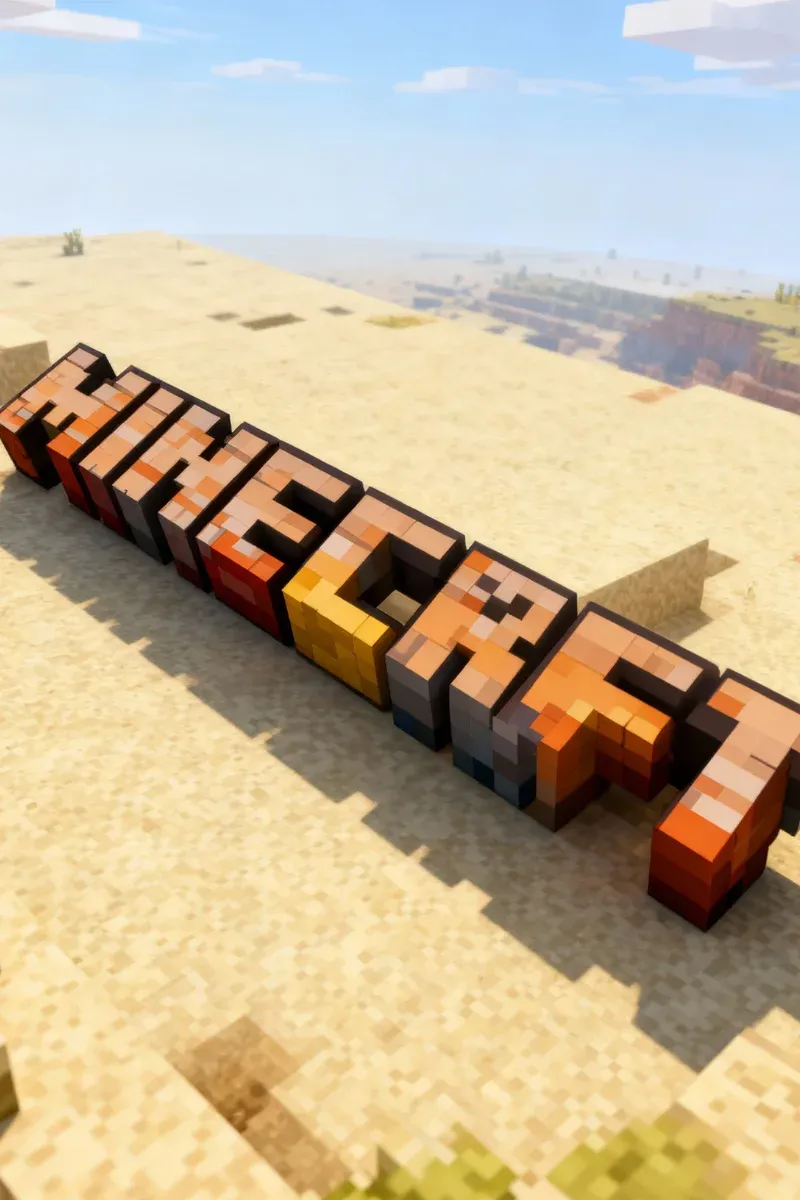
From character portraits to massive decorative walls, our generator handles complex images and large dimensions with ease. It helps transform ambitious ideas into structured Minecraft pixel art that’s actually buildable.
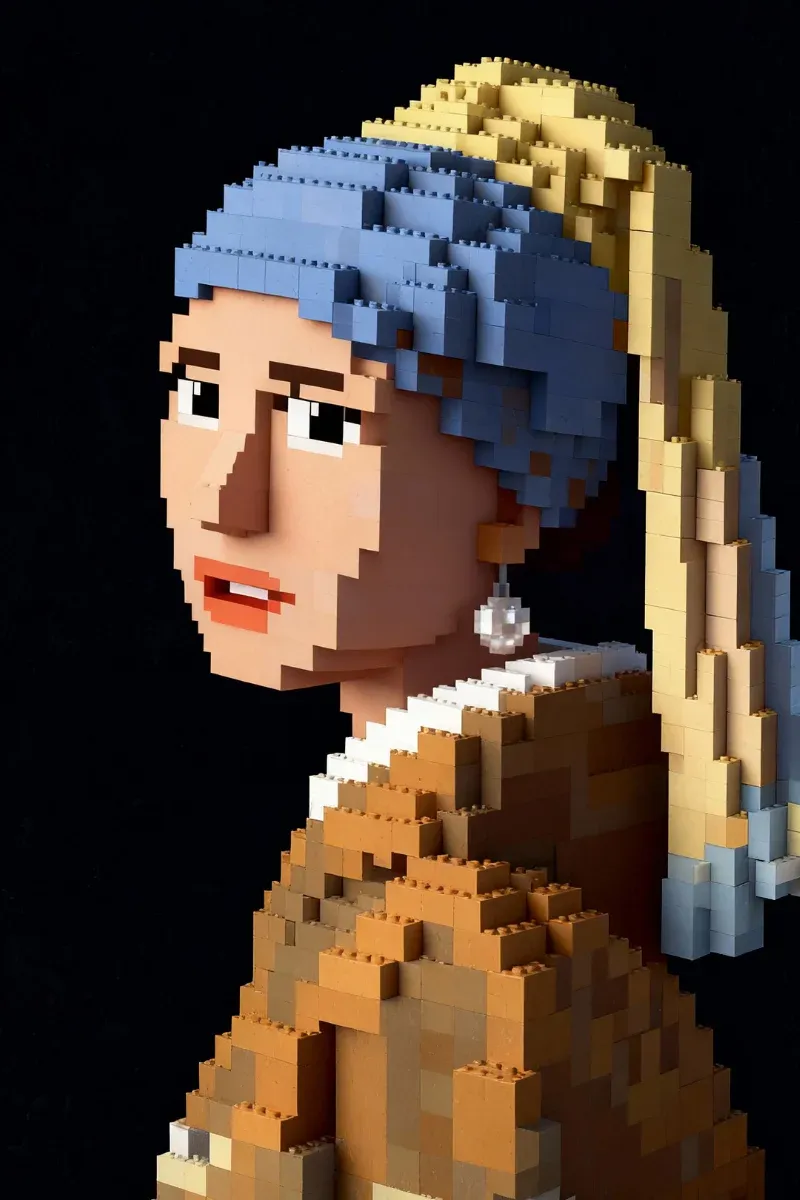
Enhance adventure maps or survival worlds with custom pixel art markers. Create icons, signs, or themed visuals that guide players naturally while adding polish and personality to your Minecraft environment.
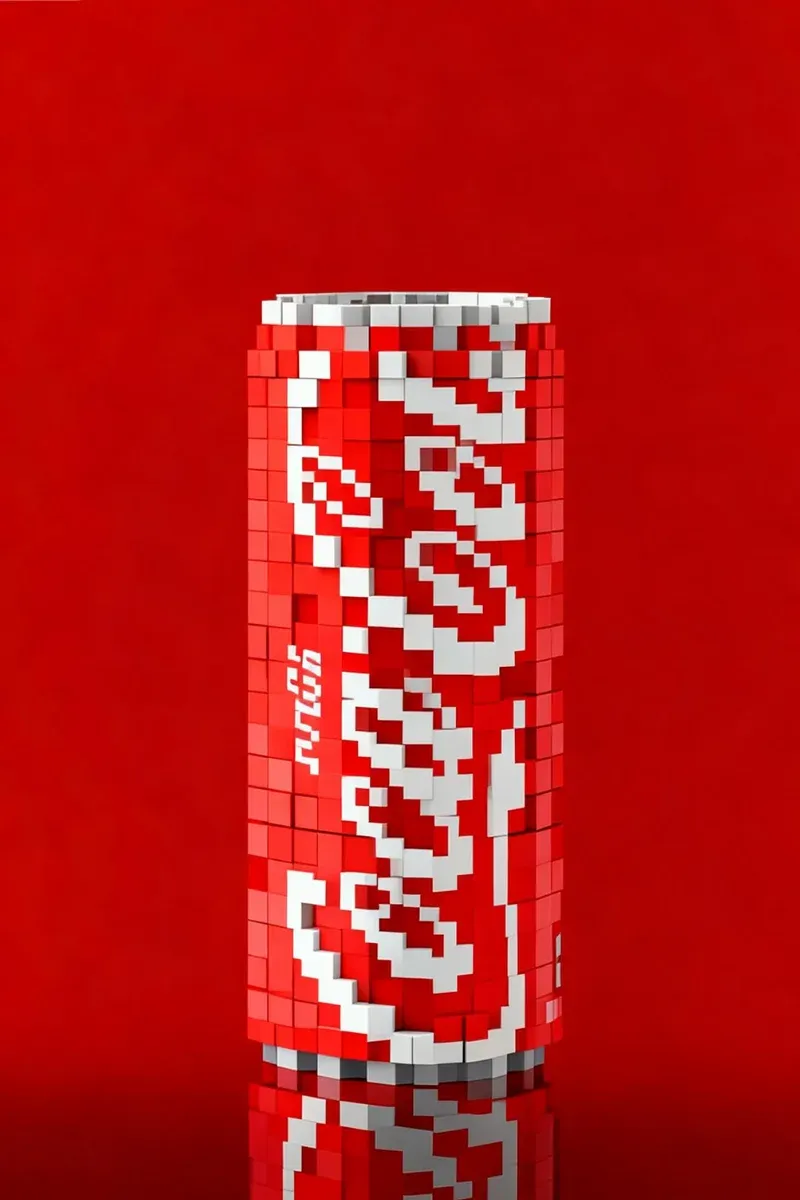
Upload any image you want to convert, such as a photo, logo, or artwork. AIGAZOU's Minecraft pixel art generator immediately analyzes colors, contrast, and structure to prepare a block based layout optimized for in game building.
Once your image is uploaded, our AI instantly converts it into Minecraft pixel art. Each pixel is translated into block data with accurate proportions and color matching, giving you a clear, build ready preview within seconds.
Review our generated pixel art and make refinements if needed. You can fine tune colors, clean up edges, or regenerate based on your adjustments to better fit your building style or available in game resources.
This Minecraft pixel art generator helps players move quickly from concept to construction. In just seconds, images become structured build plans, making it easy to keep momentum during solo projects or collaborative server builds.
You don’t need advanced building knowledge or technical experience. Our generator handles block mapping and proportions automatically, allowing beginners to create impressive pixel art while still giving experienced builders room to refine.
You can use the core Minecraft pixel art generator for free and export watermarked results to test ideas. Upgrading unlocks additional features and cleaner outputs for players working on larger or long term builds.
Your images are processed securely and used only to generate your pixel art. Creations are not reused or shared, so your personal designs and server assets remain private throughout the entire process.
Turn images into build ready block designs with speed and precision.
Turn Image into Minecraft Pixel Art for FreeDownload your Minecraft pixel art in build friendly formats for later use, or simply share the result with friends, communities, or social platforms to showcase your design.
AIGAZOU's generator evolves alongside Minecraft itself. Block data and generation logic are regularly updated, ensuring compatibility with newer versions and allowing creators to take advantage of newly added blocks.
Rather than replacing creativity, the tool helps unlock it. Many players use generated pixel art as a foundation, then expand and customize the build in game with their own ideas and details.
"I run a lore-heavy server and needed unique banners. This generator saved me so much time. The pixel art for our kingdoms looks authentic and loads perfectly in-game."
Michael Rodriguez
32 years old, Server Owner
"My son wanted a pixel art mural of his dog in our virtual house. We did it together in an afternoon. He was so proud showing it off to his friends. A great bonding moment."
Sarah Jenkins
41 years old, Parent
"It is my go-to tool for creating thumbnails and in-game art. The quality is consistent and it's super easy to use."
Brandon Lee
26 years old, YouTube Creator
"I used it to create a pixel art map of our entire city build. The scale was huge, but the generator handled it without a hitch. The schematic file imported flawlessly."
Emily Watson
24 years old, City Builder
"I was skeptical about AI tools, but this one is surprisingly accurate with colors. The final build looked exactly like the preview. Very impressed."
James Miller
35 years old, Graphic Designer