0/500
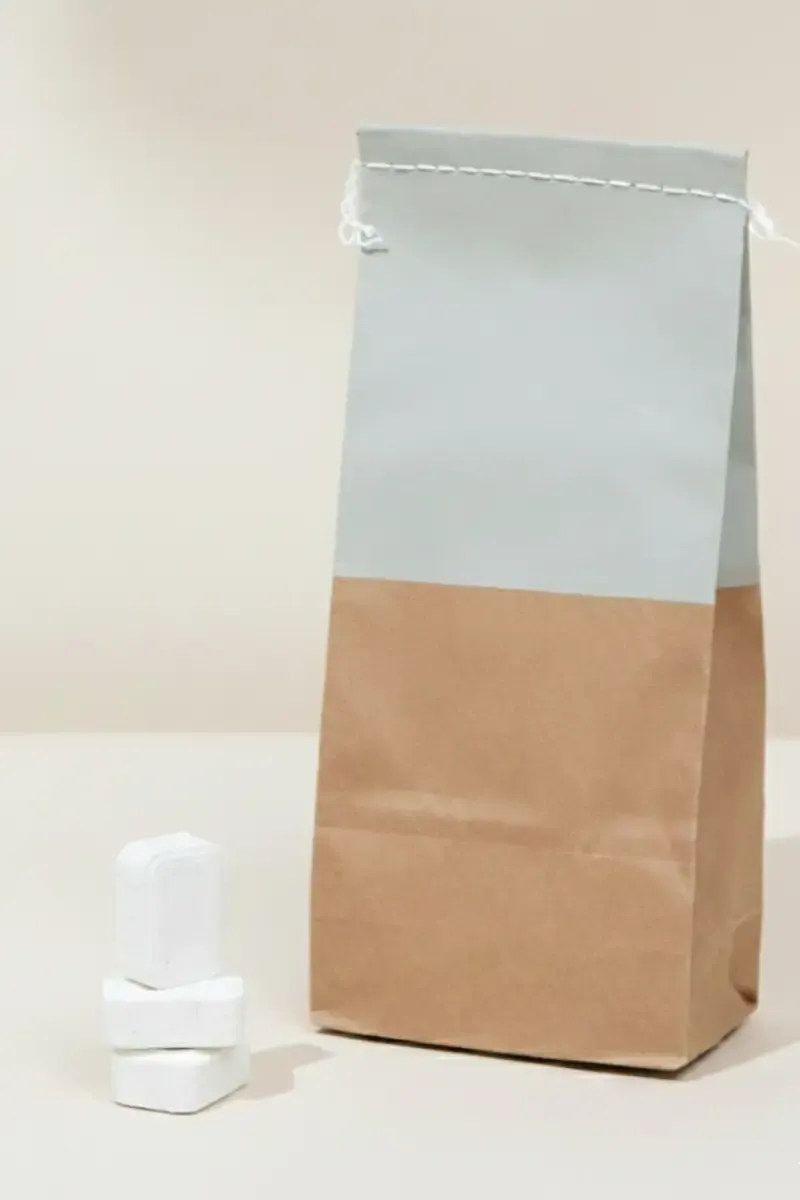
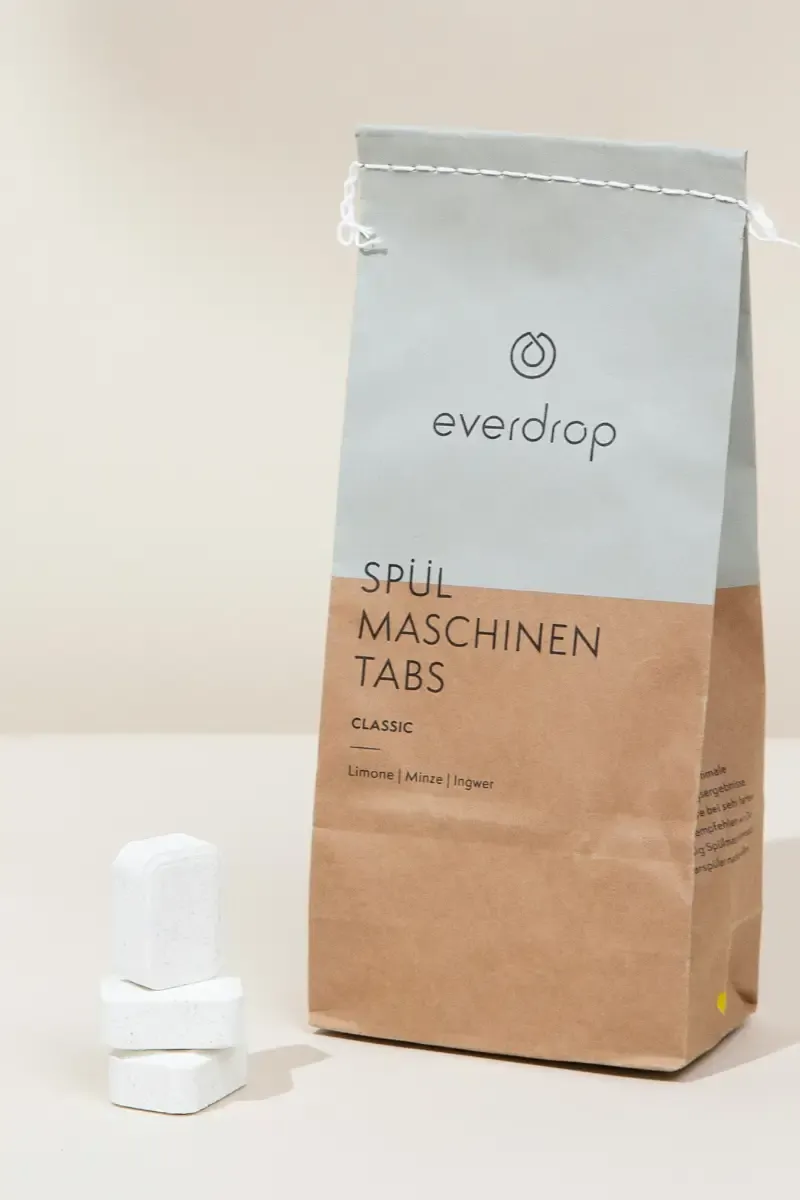
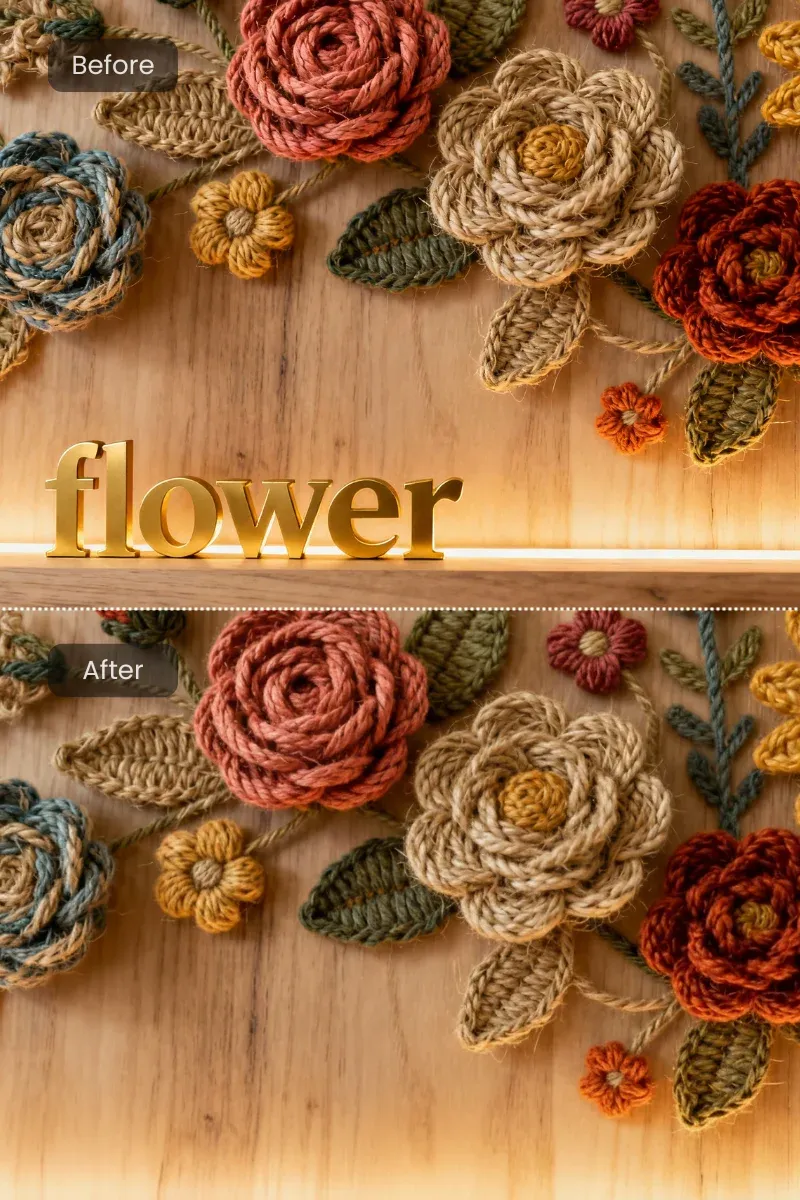
Advanced AI technology handles complex backgrounds and fine text with precision. Handwritten text, logos, and other unwanted elements are naturally erased. The original image quality is preserved, ensuring a natural finish.
Try Free AI Text Remover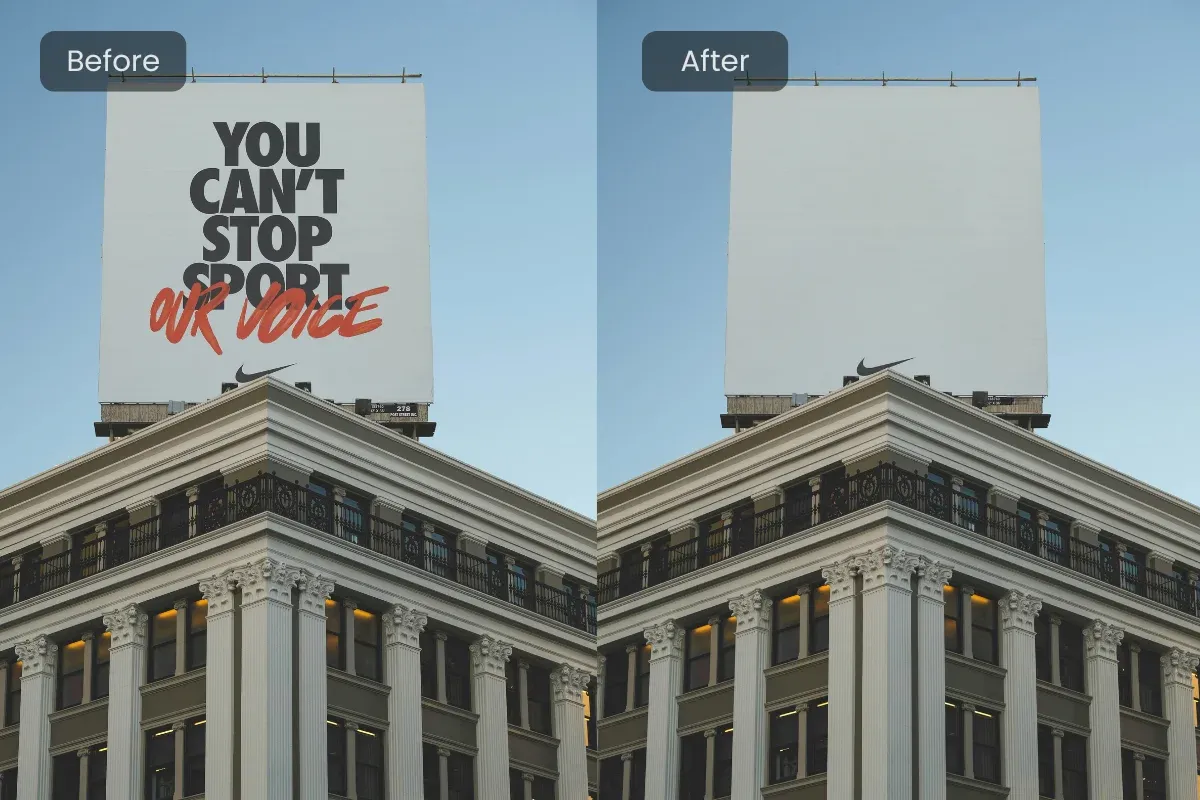
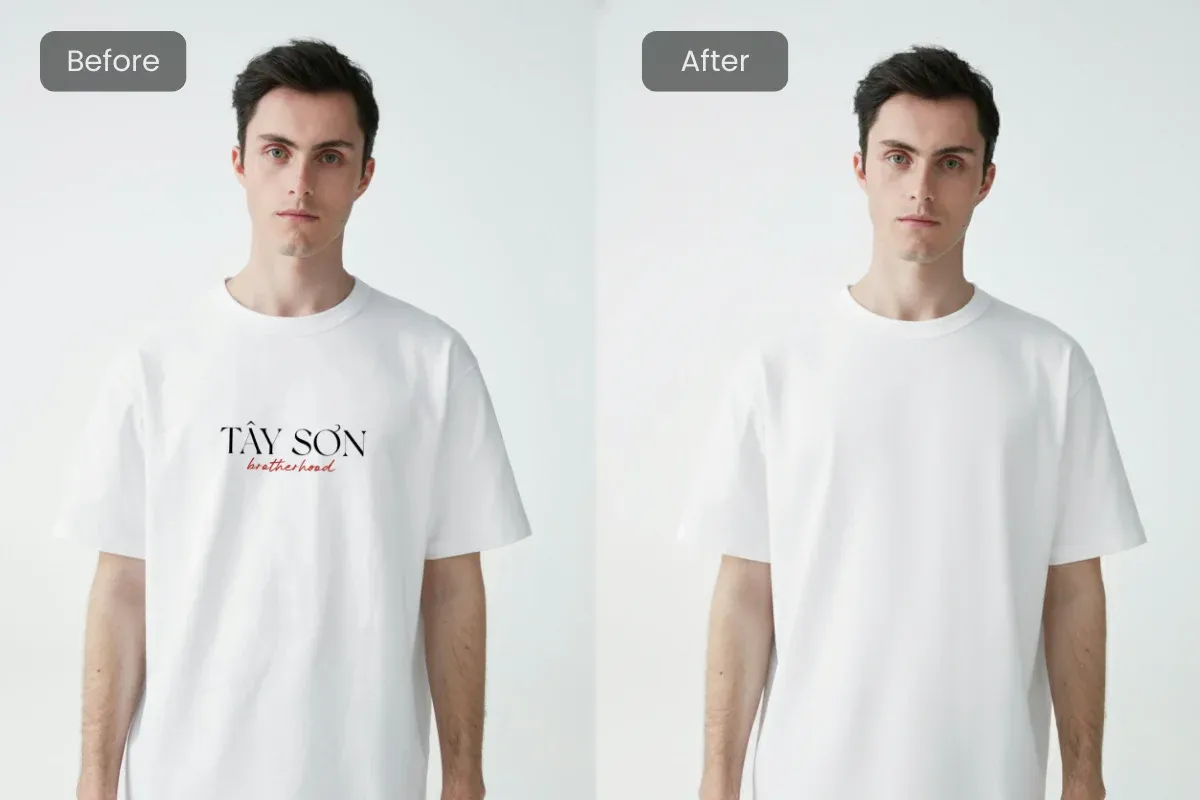
When you need to remove brand text or logos from merchandise photos, AIGAZOU’s text removal tool is incredibly useful. It naturally erases text from the original image, allowing you to freely add new text. This makes it easy to replace existing text on sample product images with your own brand name, seamlessly and without awkwardness.
Start for Free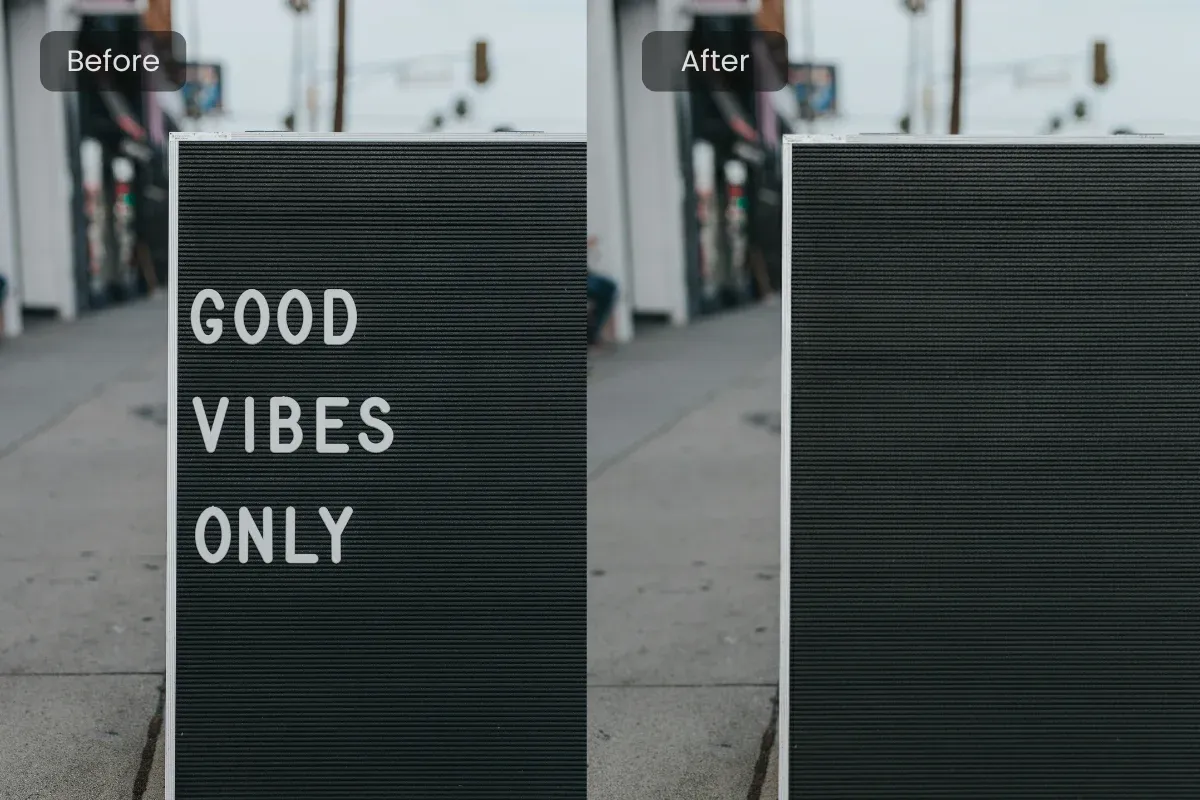
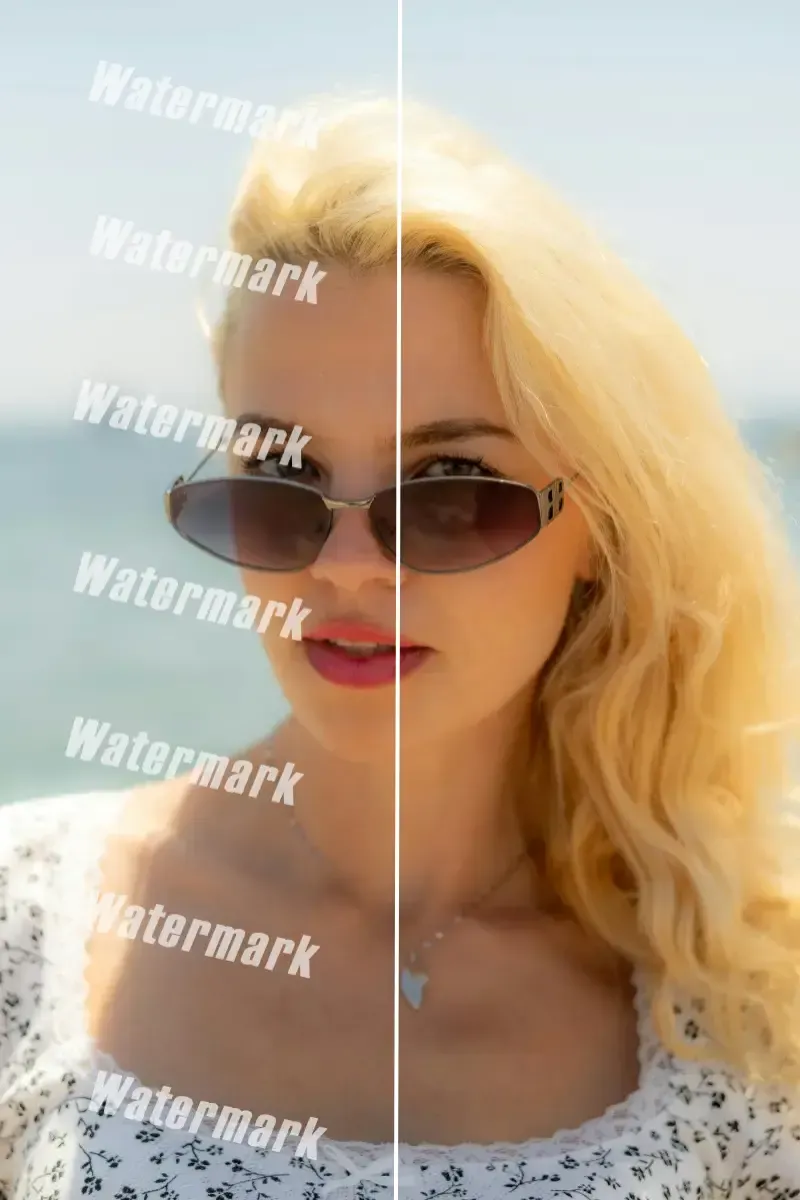
Many cameras automatically imprint the date and time on photos, or sometimes users manually add them. However, these text elements can detract from the photo’s beauty and distract viewers. With the AI text removal tool, you can accurately detect and naturally remove date and time stamps, making your images cleaner. Photos without text look much better in portfolios and on social media, with a clean finish free of visual noise.
Start for FreeRemove price tags or descriptions that appear on product photos to create a cleaner look. This helps create a cohesive product list and boosts sales.

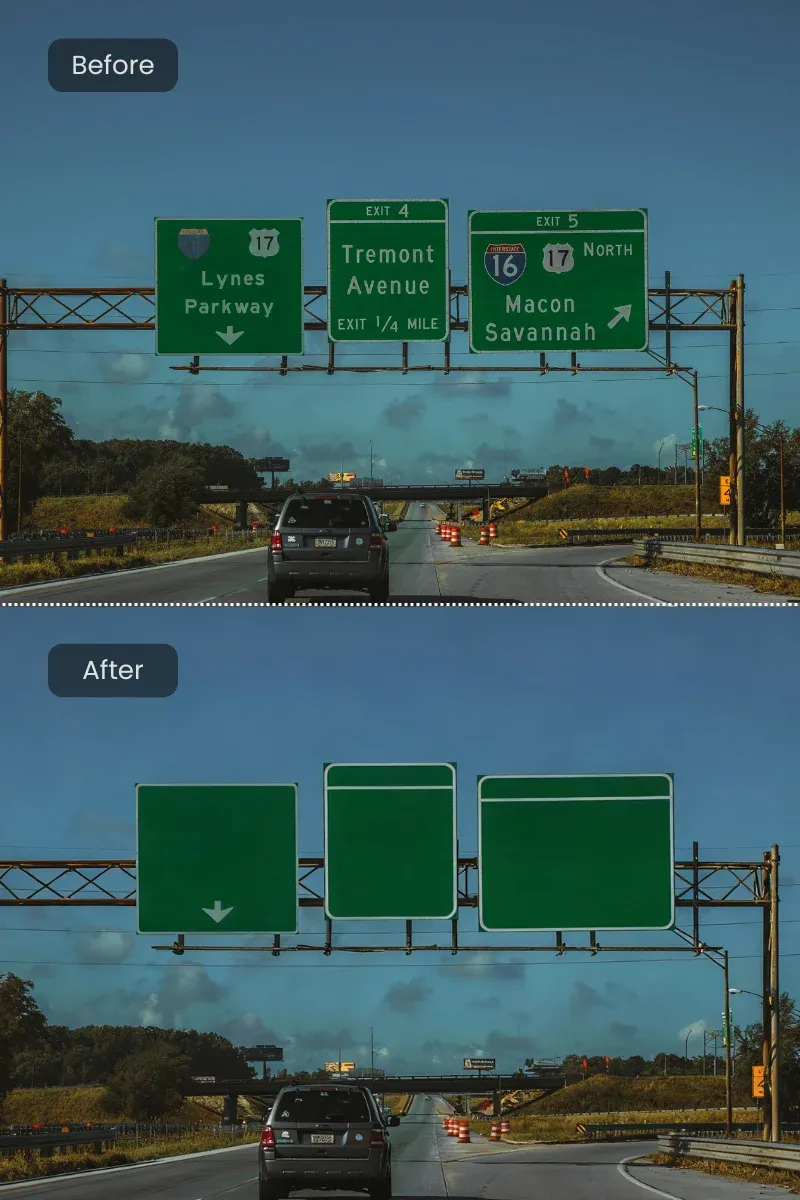
Erase signs from travel photos or accidentally captured text to create perfect images for Instagram and Facebook. Also useful for privacy protection.
Remove unwanted text from images used in presentations or portfolios. Enhance visual quality and create more persuasive materials.
Simply drag and drop the image you want to edit. Supports all major formats like JPG, PNG, and WEBP.
Type the text you want to delete into the input field, and the AI will automatically detect it for precise processing.
Advanced AI technology analyzes the text position and background, then carefully blends the area to match the surrounding texture, color, and lighting. Even complex patterns and fine details are handled naturally without leaving any traces.
Once satisfied with the result, download it in high quality. If not, you can retry as many times as needed, making it beginner-friendly.
A simple and intuitive interface ensures even first-time users can remove text from images effortlessly. No professional knowledge required—just a few clicks to complete the task.
Remove text from images in just seconds. No need to wait for heavy processing—busy users can quickly edit and download.
All data used for text removal is processed on the spot and not stored on servers. Your personal or confidential images are safe to use.
Beyond text removal, the tool offers cropping, correction, filters, and more. Make detailed adjustments based on your needs.
Achieve natural text removal even on complex backgrounds. The quality meets professional standards for social media, e-commerce, and document creation.
Achieve professional-looking results easily, no matter your skill level.
Try Free AI Text RemoverA refined design ensures smooth text removal. Beginners can use it without confusion, while professionals benefit from an efficient workflow that saves time.
"I was bothered by a large date stamp right in the middle, but this tool completely removed it. The result was so natural—it looked like the text was never there."
Davis
29 years old, Content Creator
"I rely on this tool to remove text from the background of product images for my e-commerce site. It’s easy to use, and even processing dozens of images daily isn’t a burden."
Thompson
31 years old, Teacher
"I managed to remove dated sign text from an old graduation album photo. The image wasn’t degraded, and it brought back precious memories."
Wilson
29 years old, Event Planner
"Even as a beginner, I can edit like a pro. My social media posts now look much more polished—my friends even ask me how I edit them."
Sarah
38 years old, Father of Two
"I use it to remove shadows or text that accidentally appear in scanned documents. It has significantly improved my work efficiency."
Joe
24 years old, Graphic Designer
"I’m amazed at how accurately it removes text even from complex patterned backgrounds. The quality is unbelievable for a free tool"
Mike
22, student