0/500
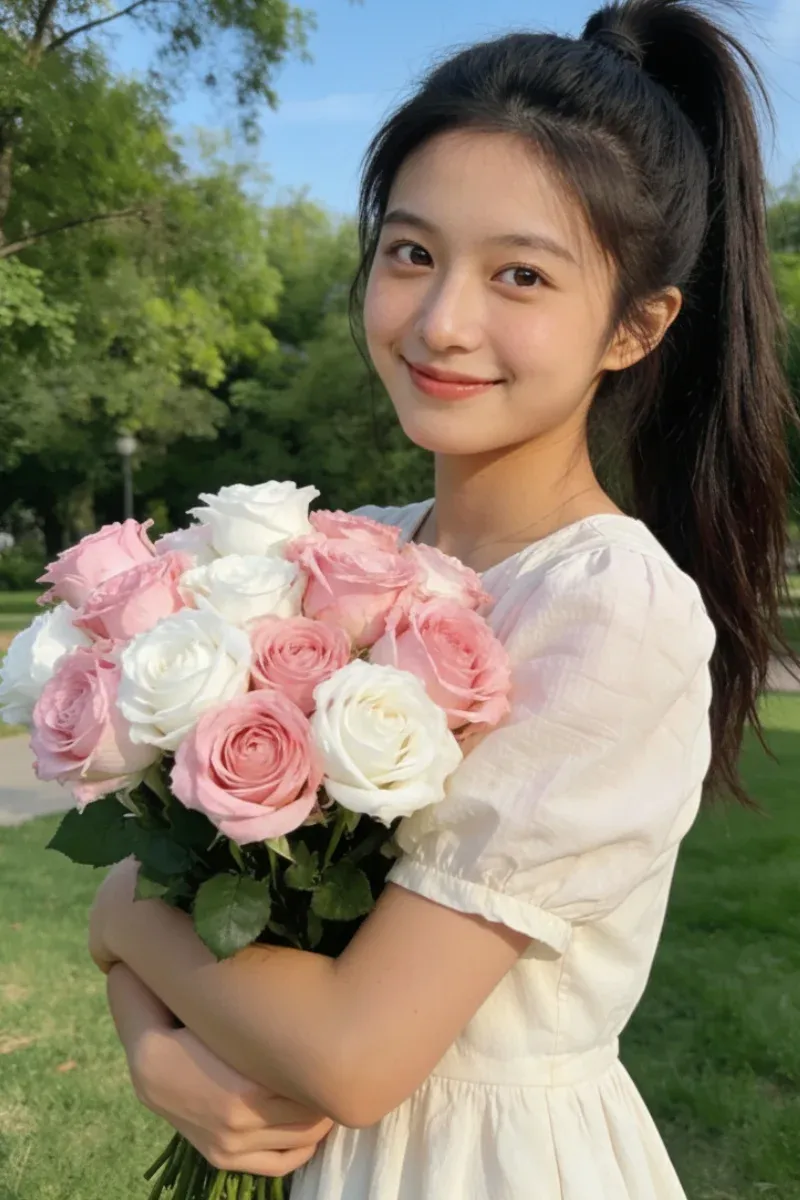
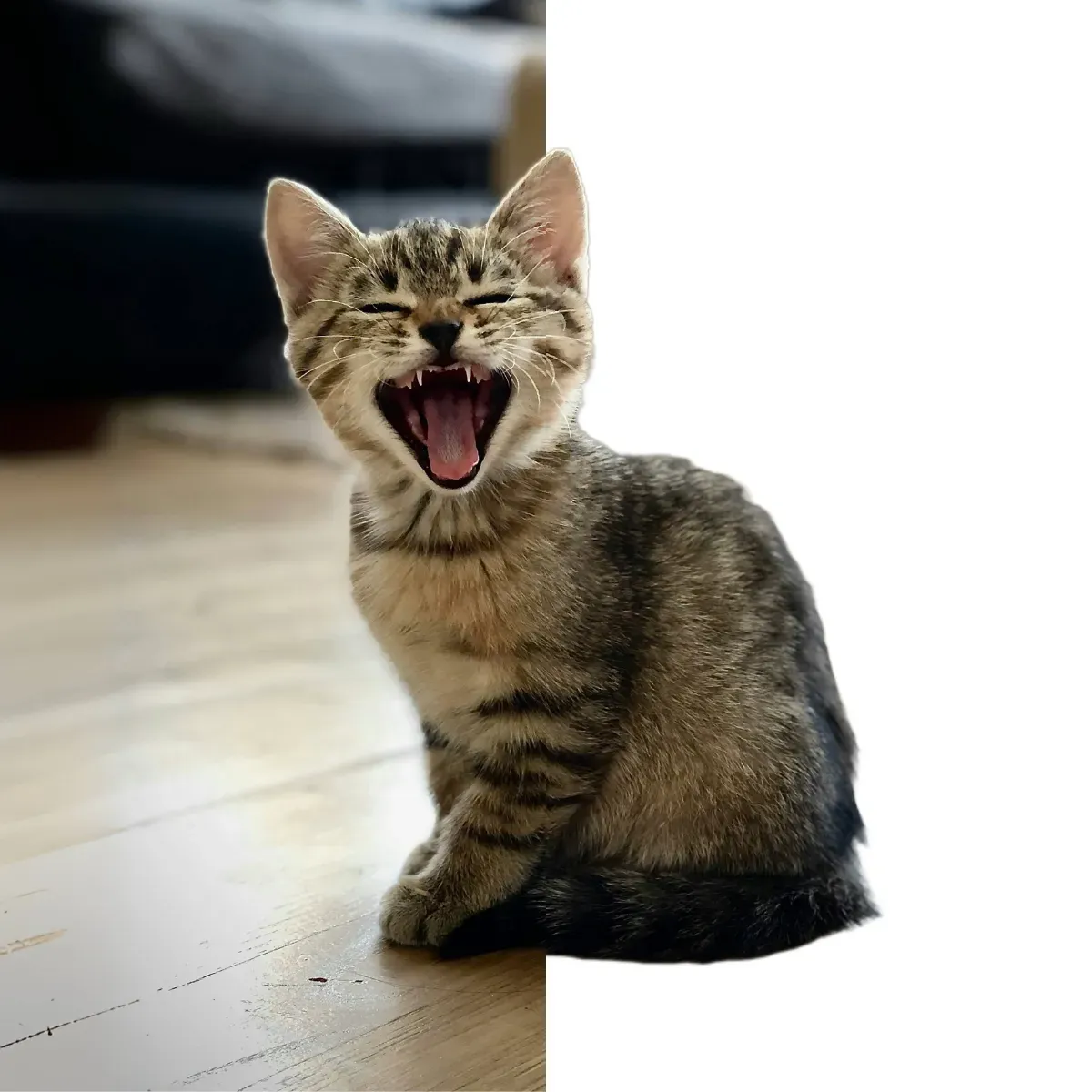
This AI image enlarger goes far beyond basic resizing or interpolation. It analyzes your image at the pixel level, identifying edges, textures, and structural patterns. During enlargement, the AI reconstructs missing details instead of stretching pixels, producing a larger image that remains natural, balanced, and visually accurate.
Enlarge Your Images for Free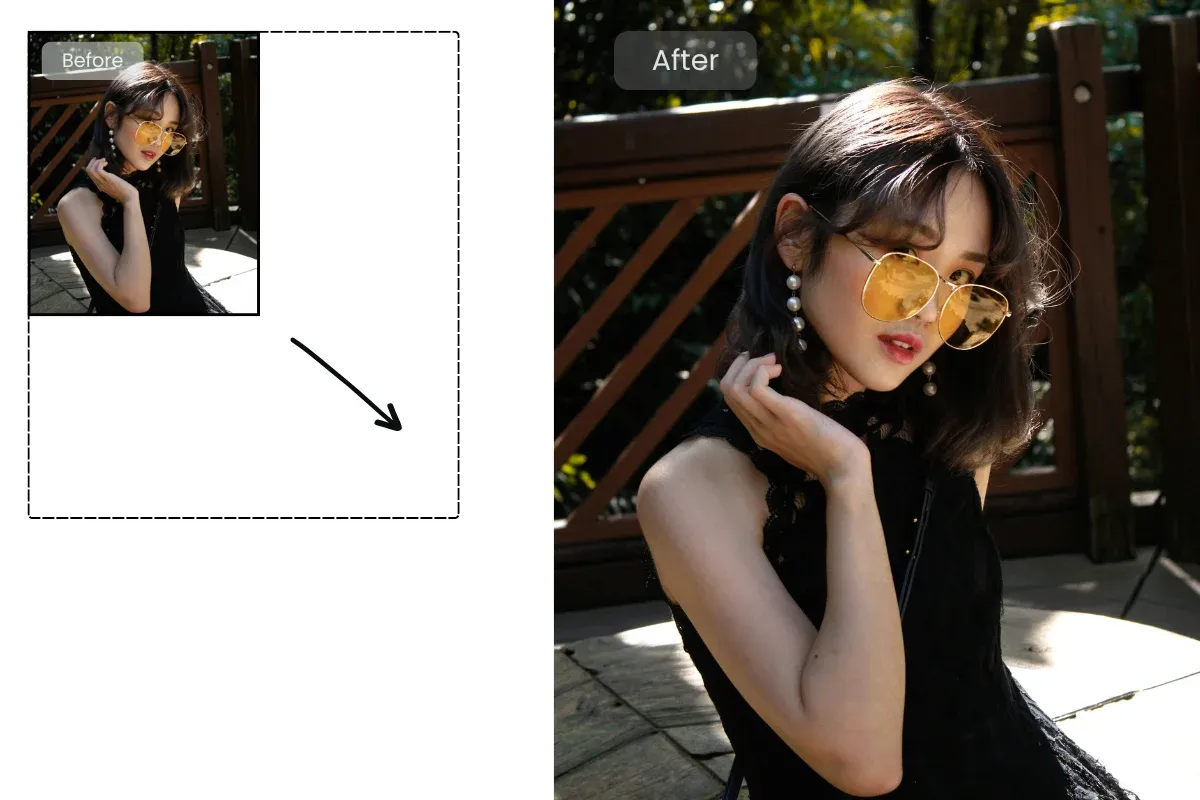
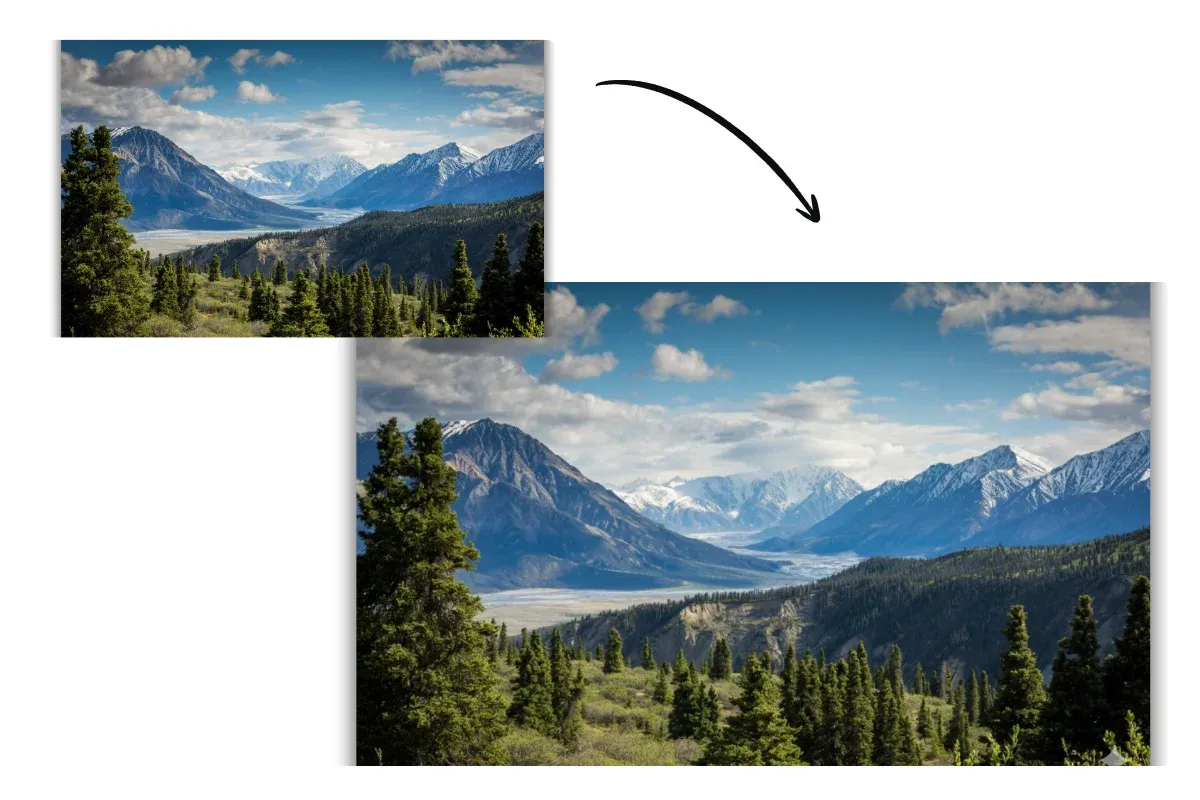
Unlike traditional image enlarger tools that introduce blur or artifacts, this AI-powered solution is built to protect clarity and color integrity. Whether you upscale an image by 2× or 4×, the AI carefully preserves sharp edges, smooth gradients, and realistic textures for consistently high-quality results.
Start for Free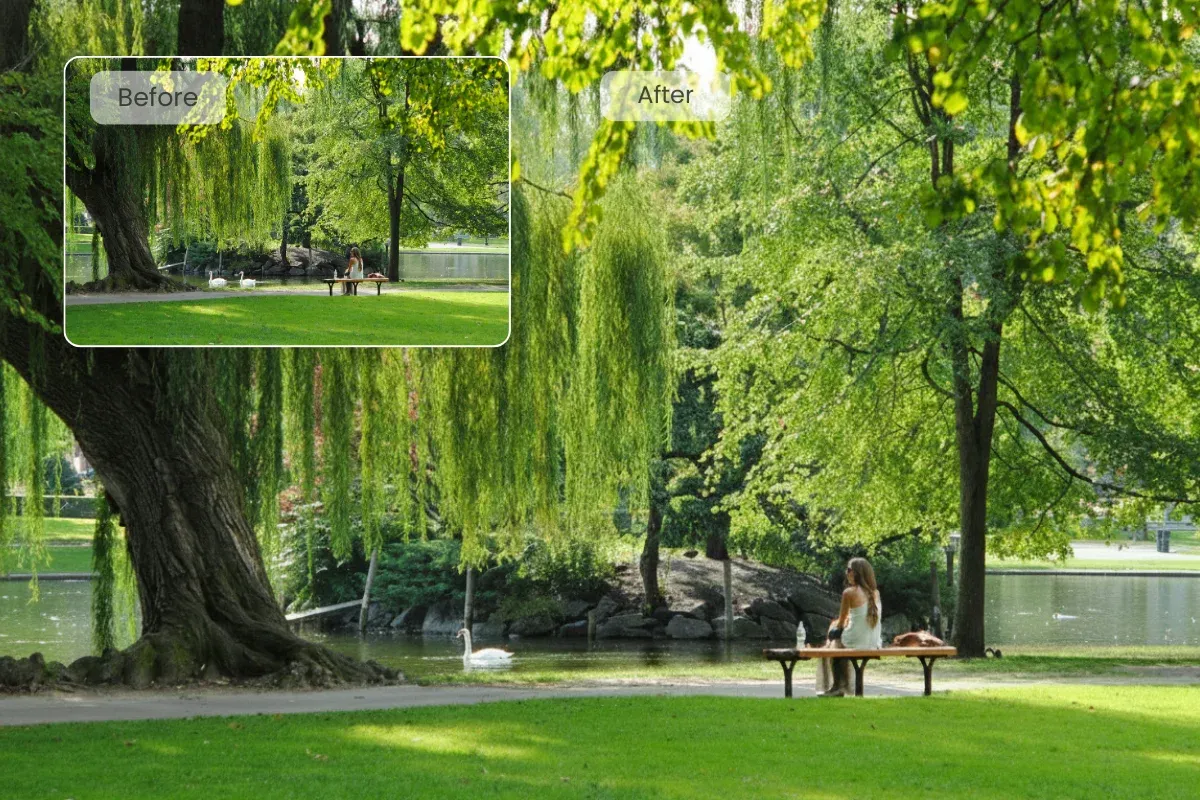
This AI image enlarger is designed for speed and simplicity. No editing knowledge or technical setup is required. Upload your image, select an enlargement scale, and let the AI handle the entire process automatically, delivering clean, enlarged images in seconds.
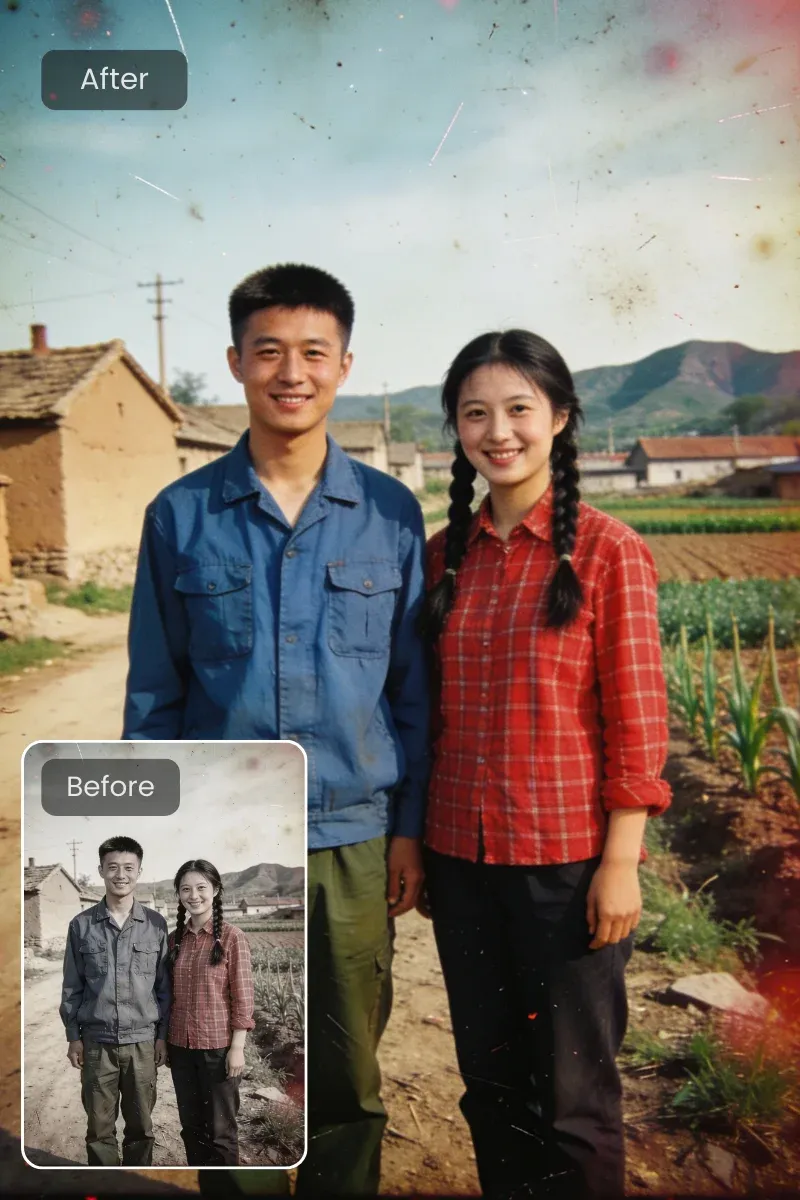
Start for FreeOld family photos, travel snapshots, or images taken from a distance often suffer from low resolution. This AI image enlarger enhances clarity while increasing size, making your images suitable for printing, sharing, or preserving meaningful memories without visible quality loss.
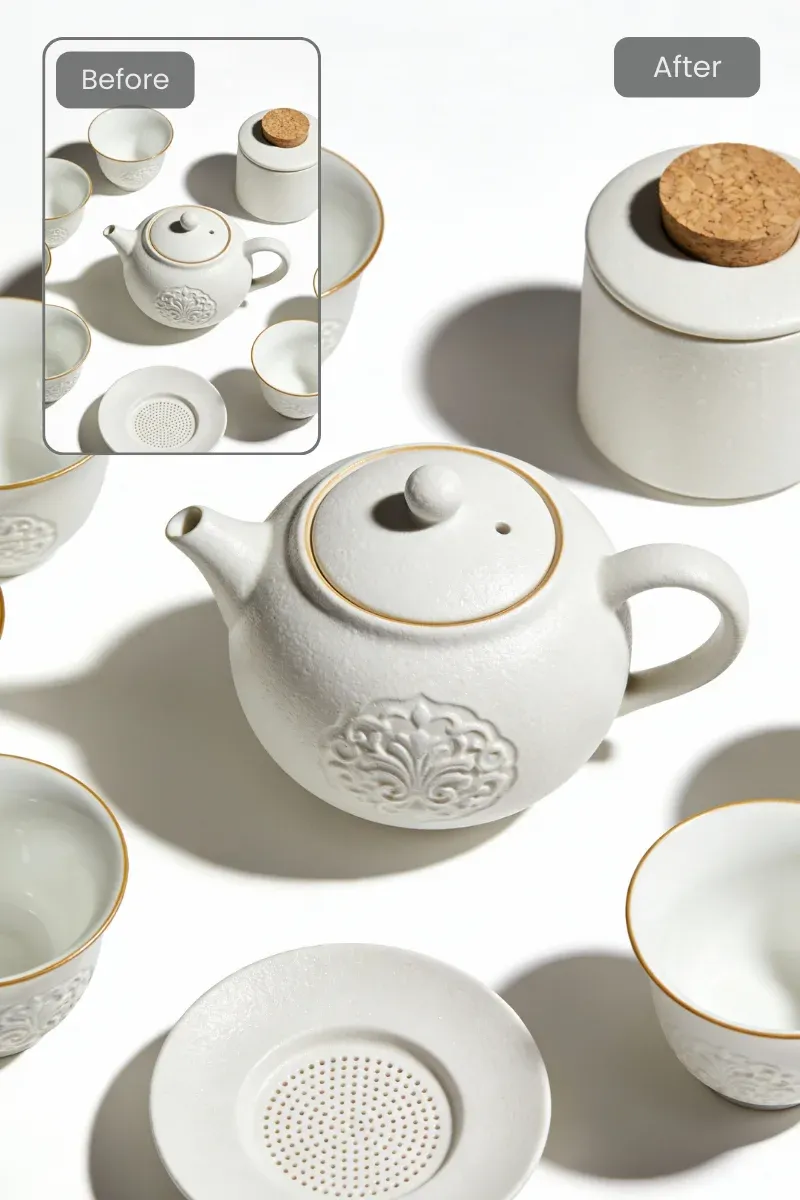
For presentations, e-commerce listings, marketing materials, or brand assets, image quality matters. This AI image enlarger helps you upscale visuals while maintaining sharpness and color accuracy, ensuring your work looks polished, credible, and ready for professional use.
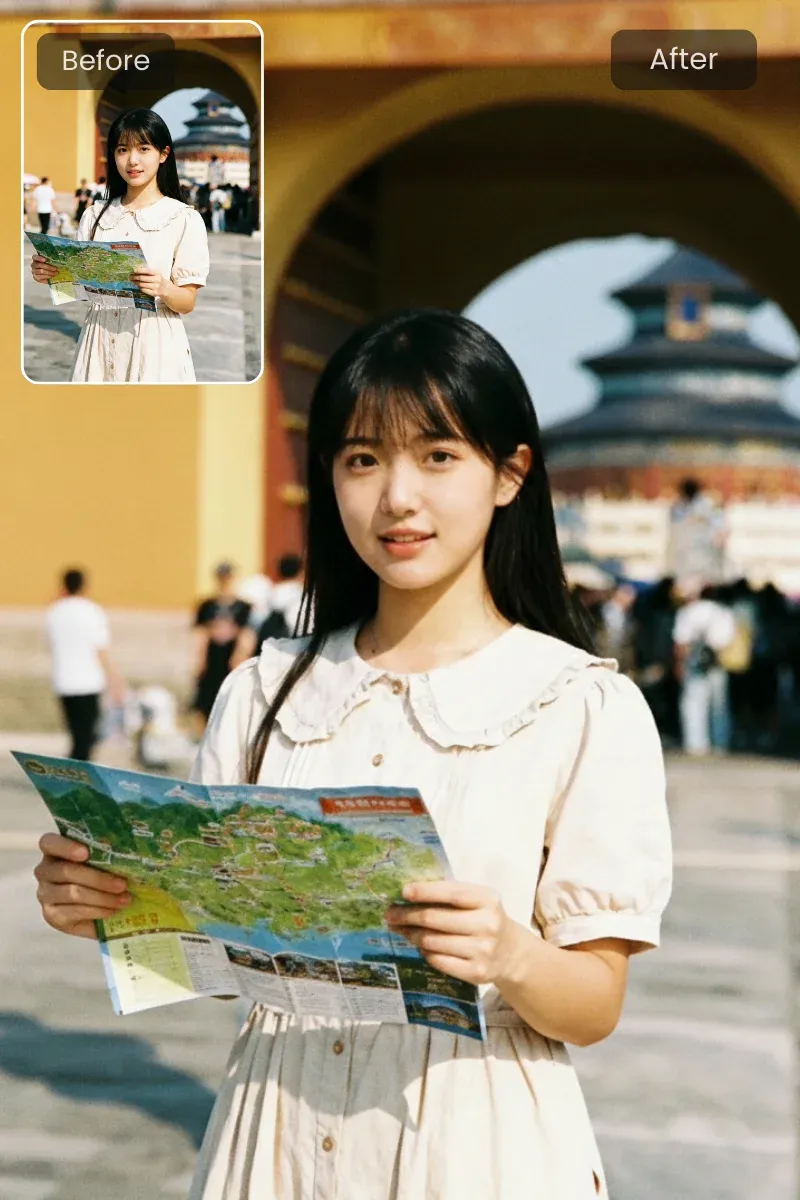
Low-quality images reduce engagement. With this AI image enlarger, you can quickly enhance and upscale photos for platforms like Instagram, TikTok, or Facebook, helping your posts stand out with cleaner visuals and a more professional appearance.
Drag and drop your image into the uploader to get started. The AI image enlarger supports common formats such as JPG, PNG, and WebP. Your image is processed securely, and the original file is not stored longer than required.
Enter a short prompt describing how you want the image improved, such as enhancing clarity, restoring details, or improving sharpness. This helps the AI understand your intent and apply the most suitable enlargement and refinement process.
Once processing begins, the AI image enlarger analyzes your image content, intelligently reconstructing textures, edges, and fine details. In just a few seconds, the system generates a larger, clearer version with naturally improved visual quality.
This AI image enlarger processes images in seconds, even at higher resolutions. Creators can test ideas, preview results instantly, and move forward without long waiting times. Fast performance keeps creative workflows smooth and efficient.
Your images are handled in a protected environment from upload to download. This privacy-first approach ensures your personal photos and professional assets remain fully under your control.
You can explore the AI image enlarger at no cost using watermarked previews. This lets you evaluate quality, speed, and accuracy before upgrading. When needed, a paid plan unlocks more features, offering flexibility without forcing early commitment.
The AI image enlarger is designed with simplicity in mind. No editing skills or technical knowledge are required. Just upload an image, choose an enlargement scale, and let the AI handle everything automatically.
The AI image enlarger delivers stable, predictable results every time you upscale an image. By applying the same enhancement logic to each upload, the AI ensures consistent sharpness, color balance, and detail reconstruction, making it easy to achieve reliable quality across different images.
Transform small or pixelated images into crisp, high-resolution visuals with AI-powered enhancement.
Enlarge Your Image for FreeInstantly preview the enhanced result after processing. When the image looks right, download it and use it immediately for presentations, printing, social media, or any project that requires a sharper, higher-resolution image.
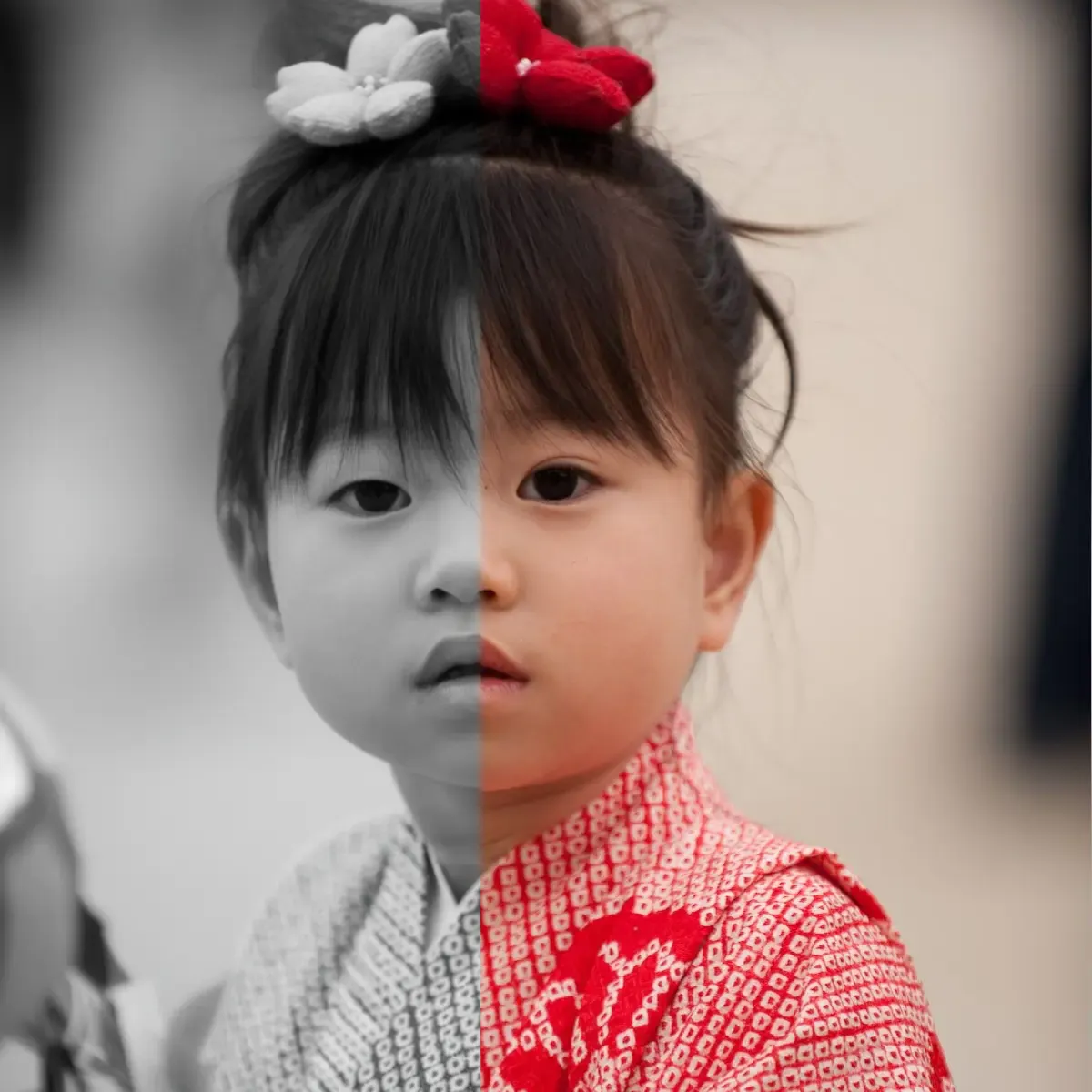
This AI image enlarger is trained to enhance fine visual details such as hair, textures, edges, and patterns. Instead of blurring or smearing elements, the AI intelligently reconstructs them, producing sharper, more realistic enlarged images.
"I shoot real estate interiors almost every day, and cropping is unavoidable. This AI image enlarger saves me from reshooting properties."
Mark Jenkins
36 years old, Real Estate Photographer
"I scan and restore old family photos as a hobby, and enlarging them usually destroys facial details. With this tool, faces come back clear and natural."
Susan Miller
44 years old, Family Photo Restoration Enthusiast
"Running a small café means doing my own marketing. This AI image enlarger makes photos look polished without needing Photoshop."
Carlos Rodriguez
29 years old, Owner, Brew & Bean Café
"I manage an Etsy shop with a large catalog, and image quality directly affects sales. This tool saved me hours of manual work."
Emily
28 years old, E-commerce Store Owner
"As a freelance designer, this AI image enlarger helps me clean them up fast so I can focus on actual design work instead of damage control."
Laura Bennett
31 years old, Freelance Graphic Designer