Free Online AI Photo Editor
The free online AI photo editor that runs in your browser — no install, no signup. Remove backgrounds, upscale photos, restore old family pictures, and colorize black-and-white shots with a complete AI photo editing toolkit. Built for Amazon sellers, photo restoration, and social creators.
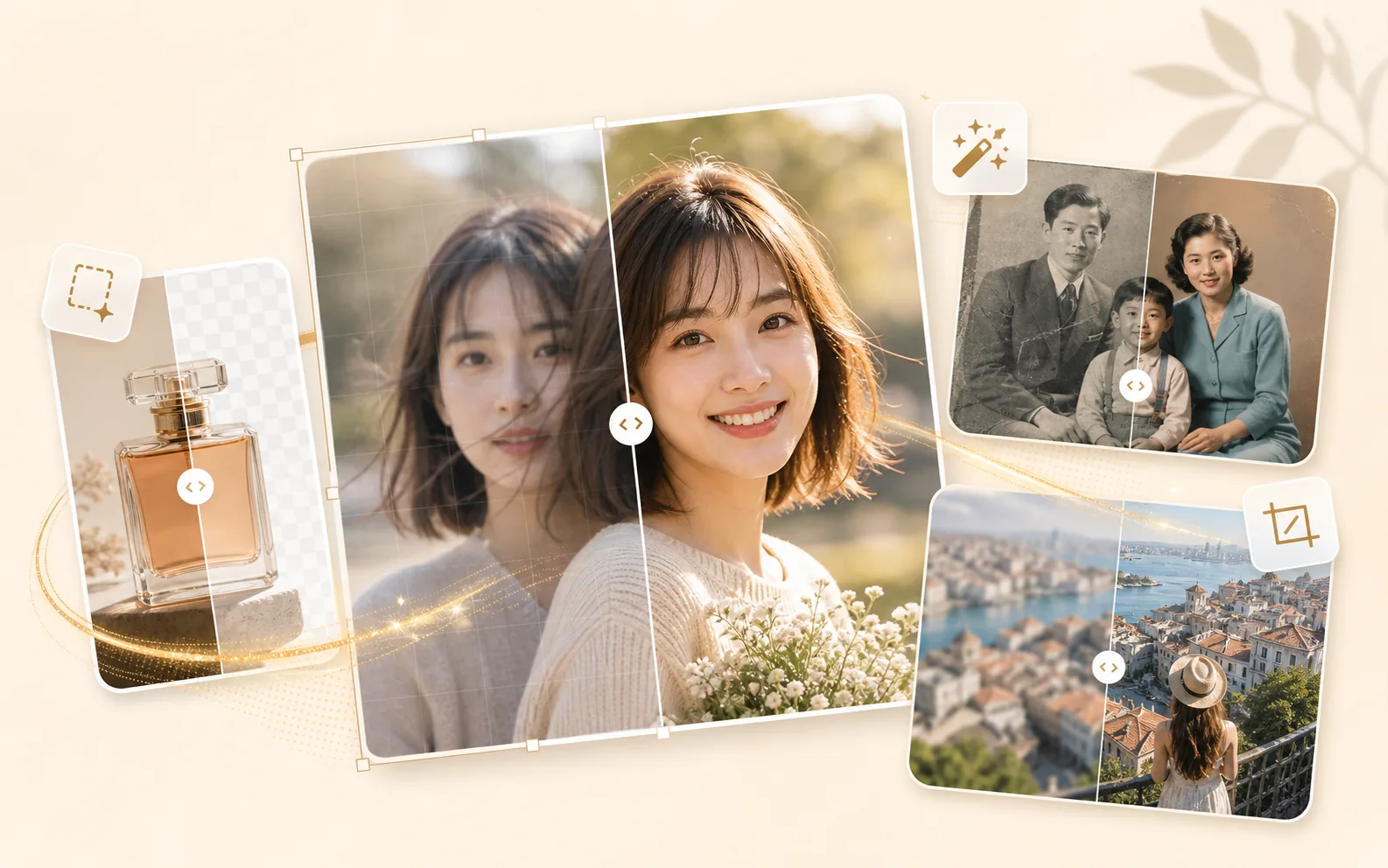
AI Photo Editing Tools | Pick by Use Case
Image quality, backgrounds, unwanted objects, and color — every AI photo editing job covered in one free online photo editor. No app to download.
Image Quality
Upscale, restore, expand, and add depth — bring every photo up to modern quality.
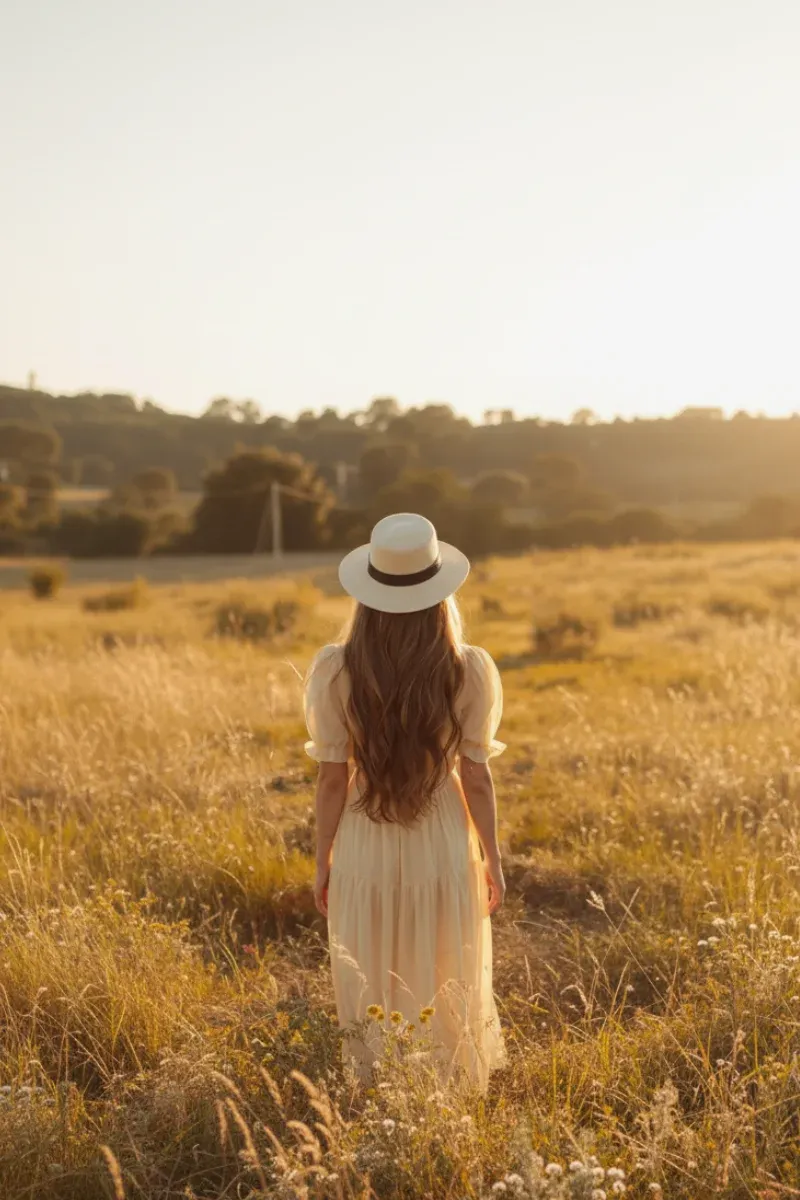
AI Image Expander
Outpaint photos beyond the original frame. Reshape aspect ratios while AI fills in the edges naturally.
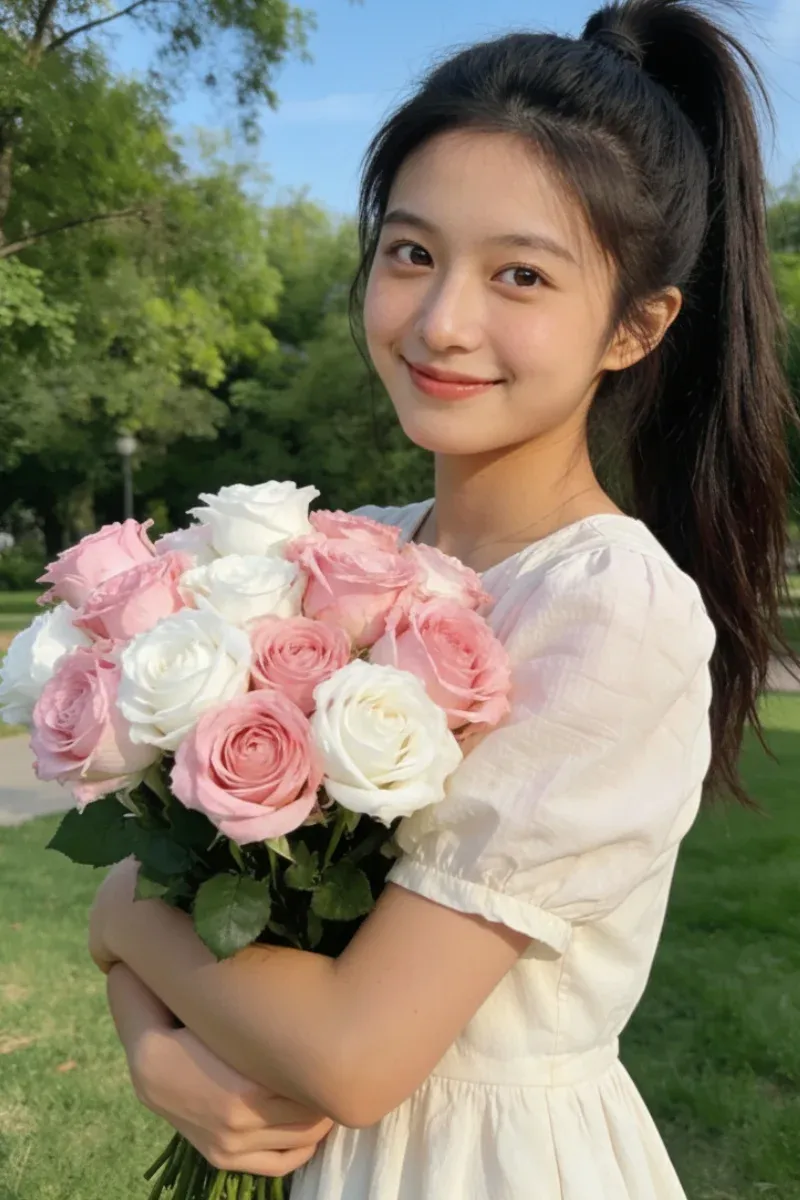
AI Image Upscaler
Upscale photos 2× or 4× without losing detail. Sharp edges, preserved textures.
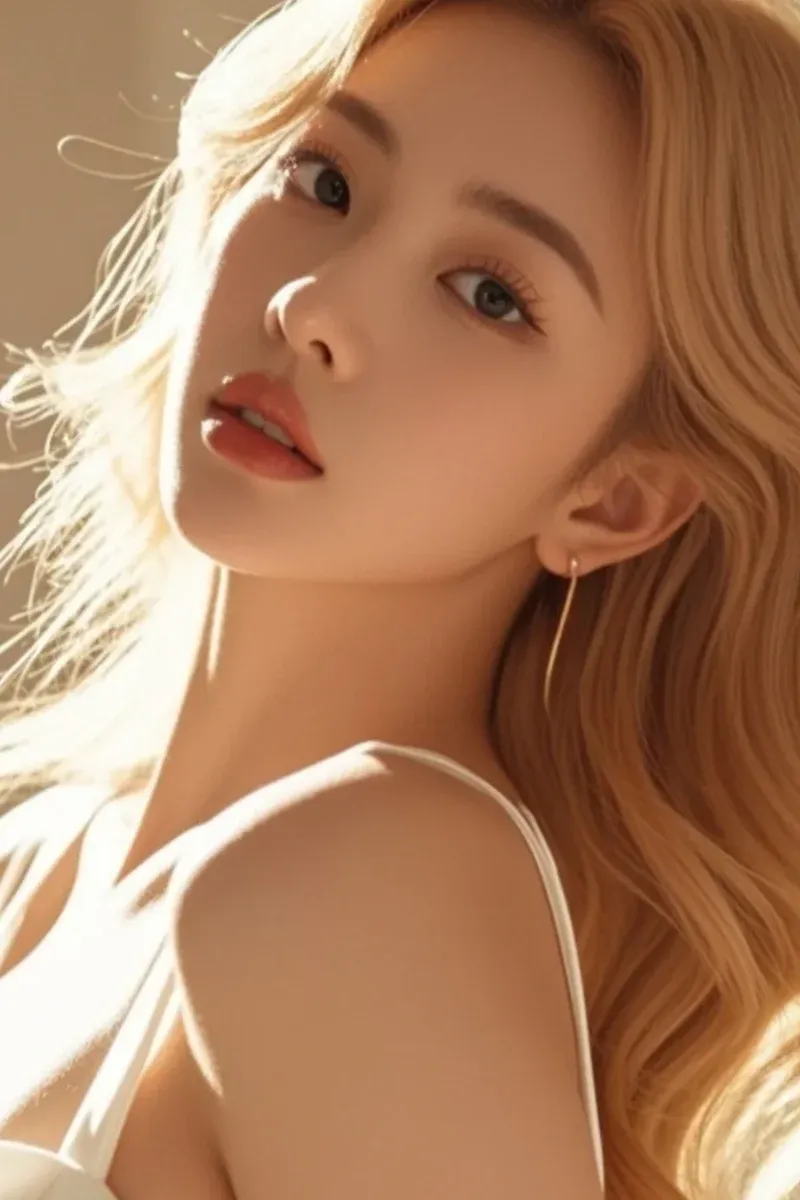
Unblur Photo
Fix motion blur, soft focus, and shaky shots. Perfect for old or quickly-captured photos.

Backgrounds
Background removal, green screen, white backgrounds, and silhouettes — the staples for product and portrait shots.
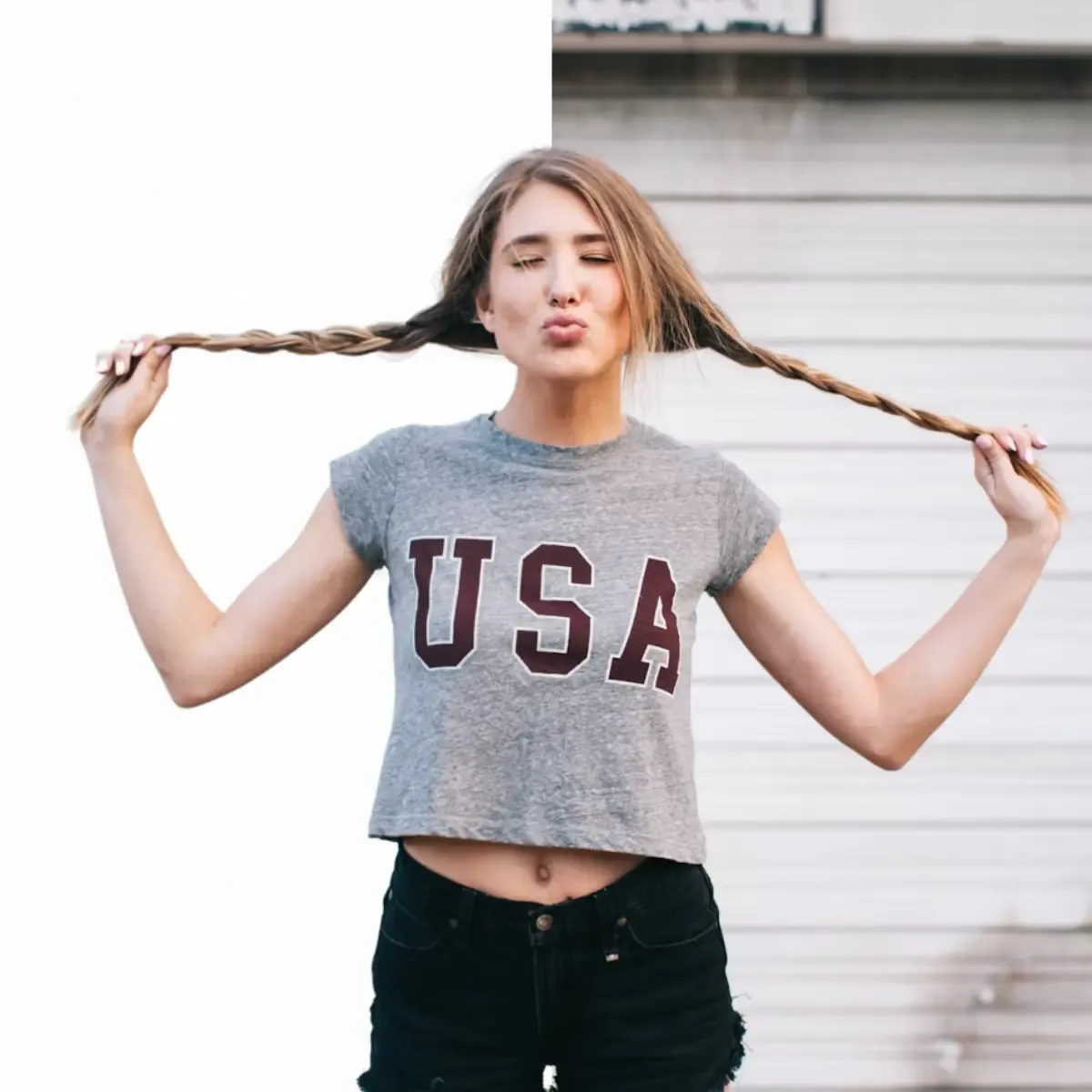
AI Background Remover
One-click background removal for people and products. Transparent PNG output — perfect for Amazon listings.

Green Screen Remover
Strip out chroma-key green backgrounds cleanly for video and photo workflows.

Change Background Color
Swap to a passport-photo blue, retail white, or any custom color in seconds.
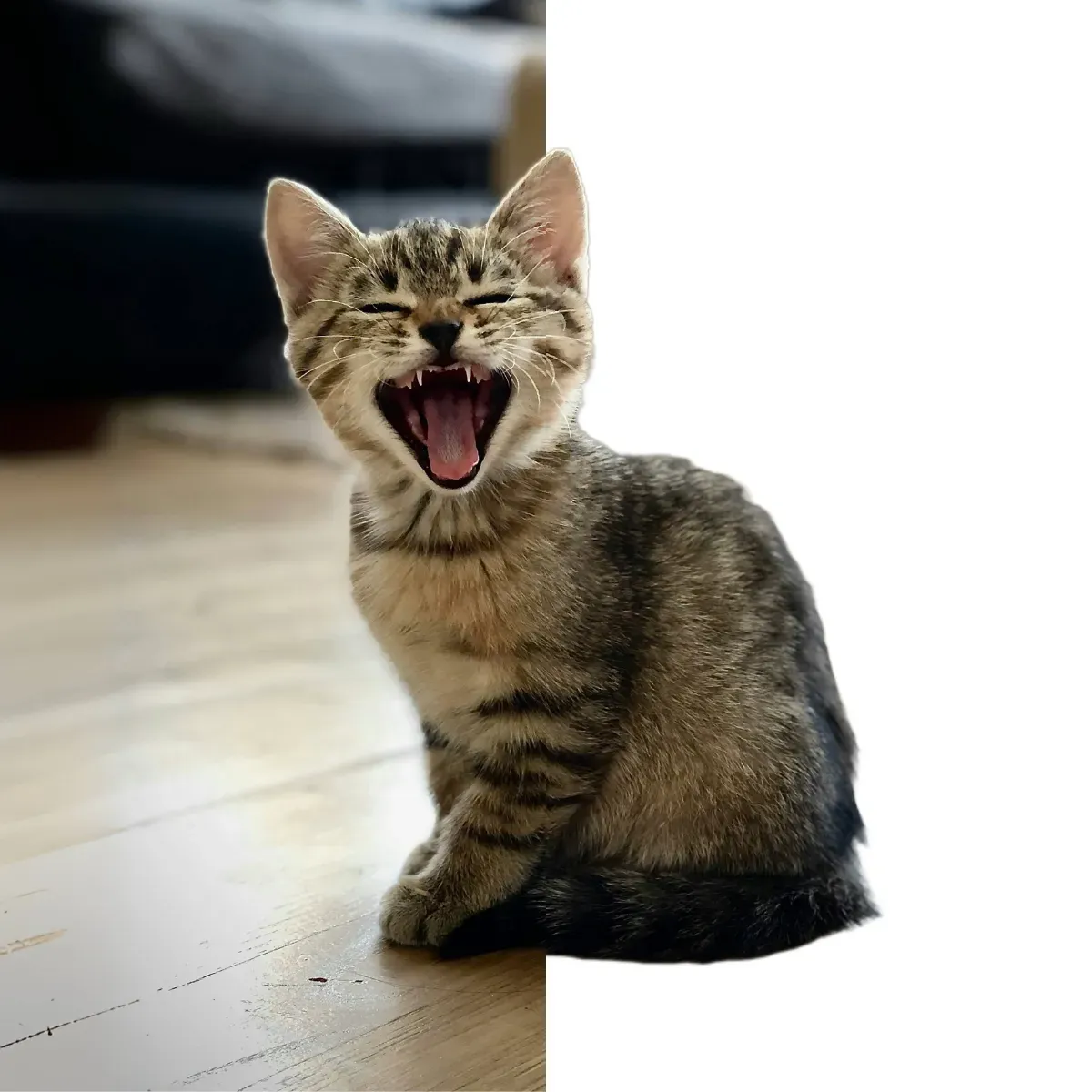
White Background Maker
The required look for Amazon, Etsy, and Shopify listings — generated in one click.
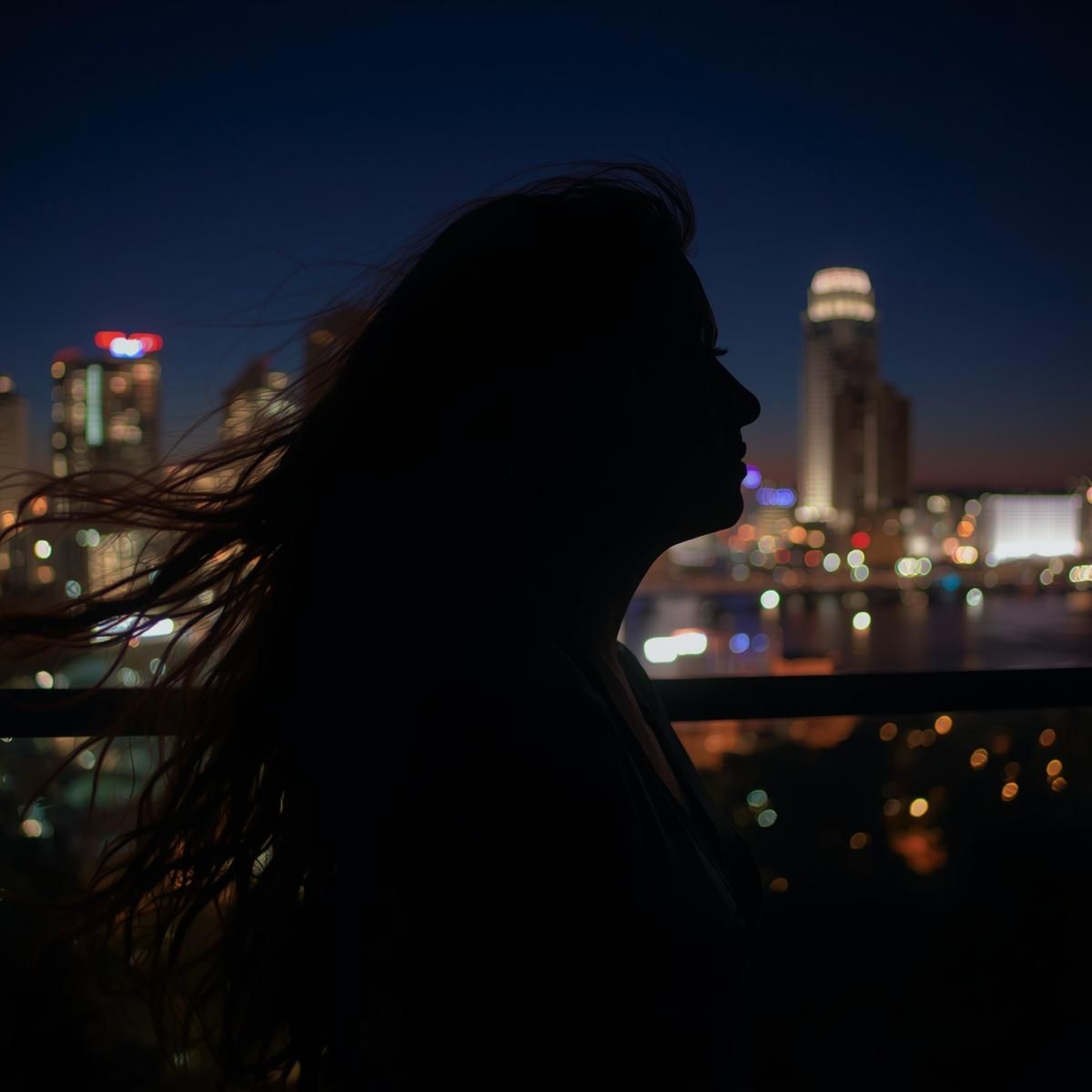
Object Removal
Watermarks, text, photobombers — AI cleans up anything you didn't mean to capture.
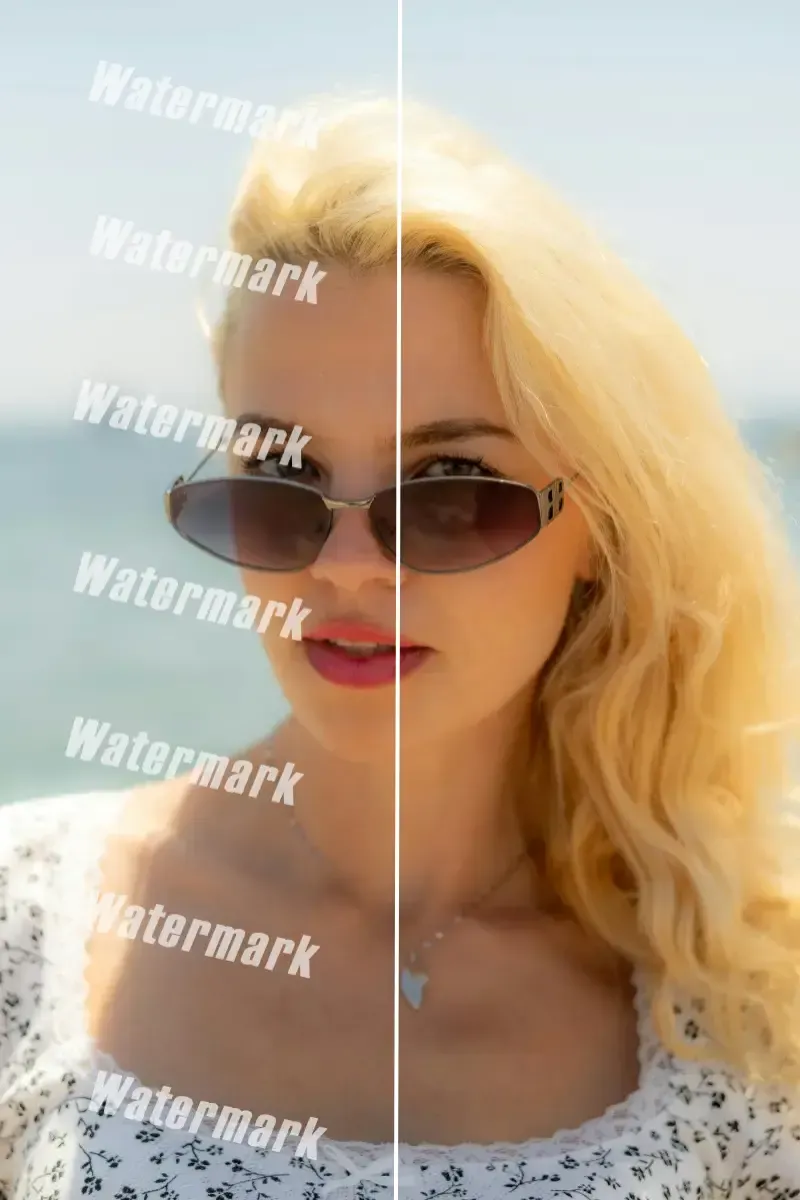
Watermark Remover
Naturally remove stock-photo and social watermarks — only on images you own or have rights to.
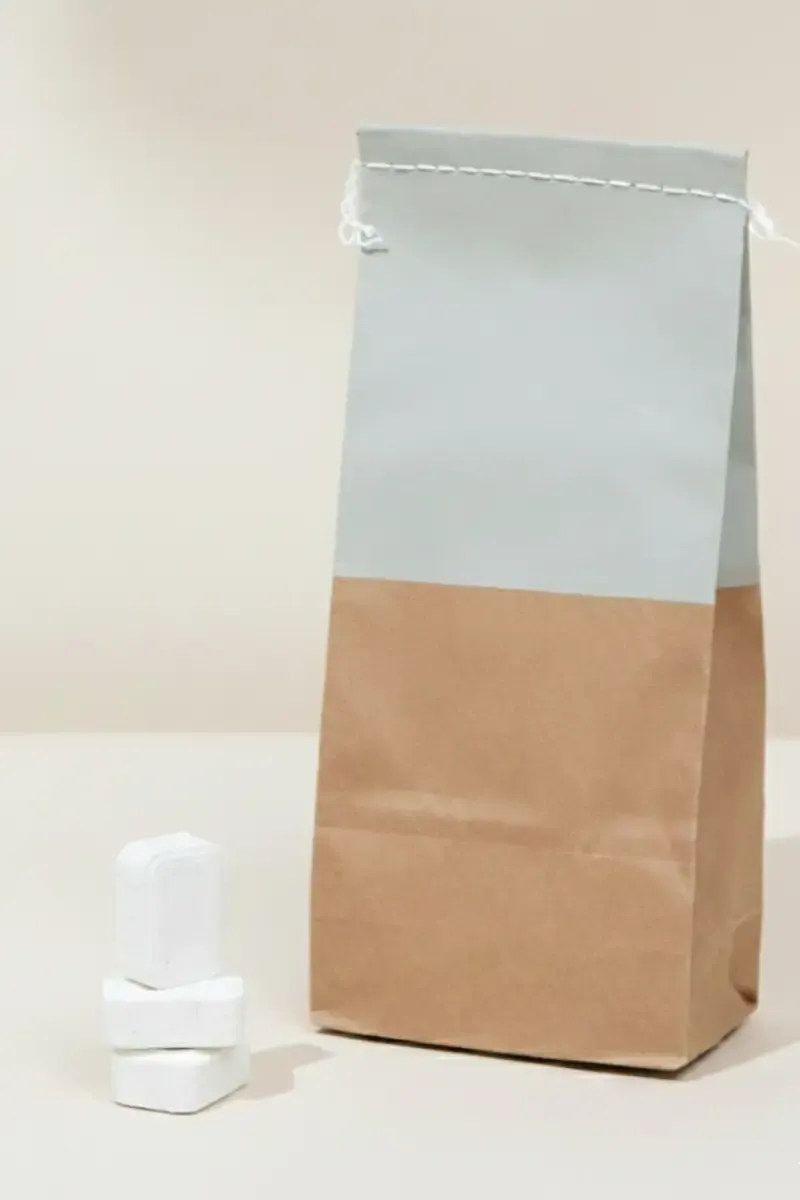
Remove Text from Image
Erase signs, captions, or accidental text while AI restores the underlying background.
Color
Recolor objects, invert colors, and colorize black-and-white photos — total color control with AI.
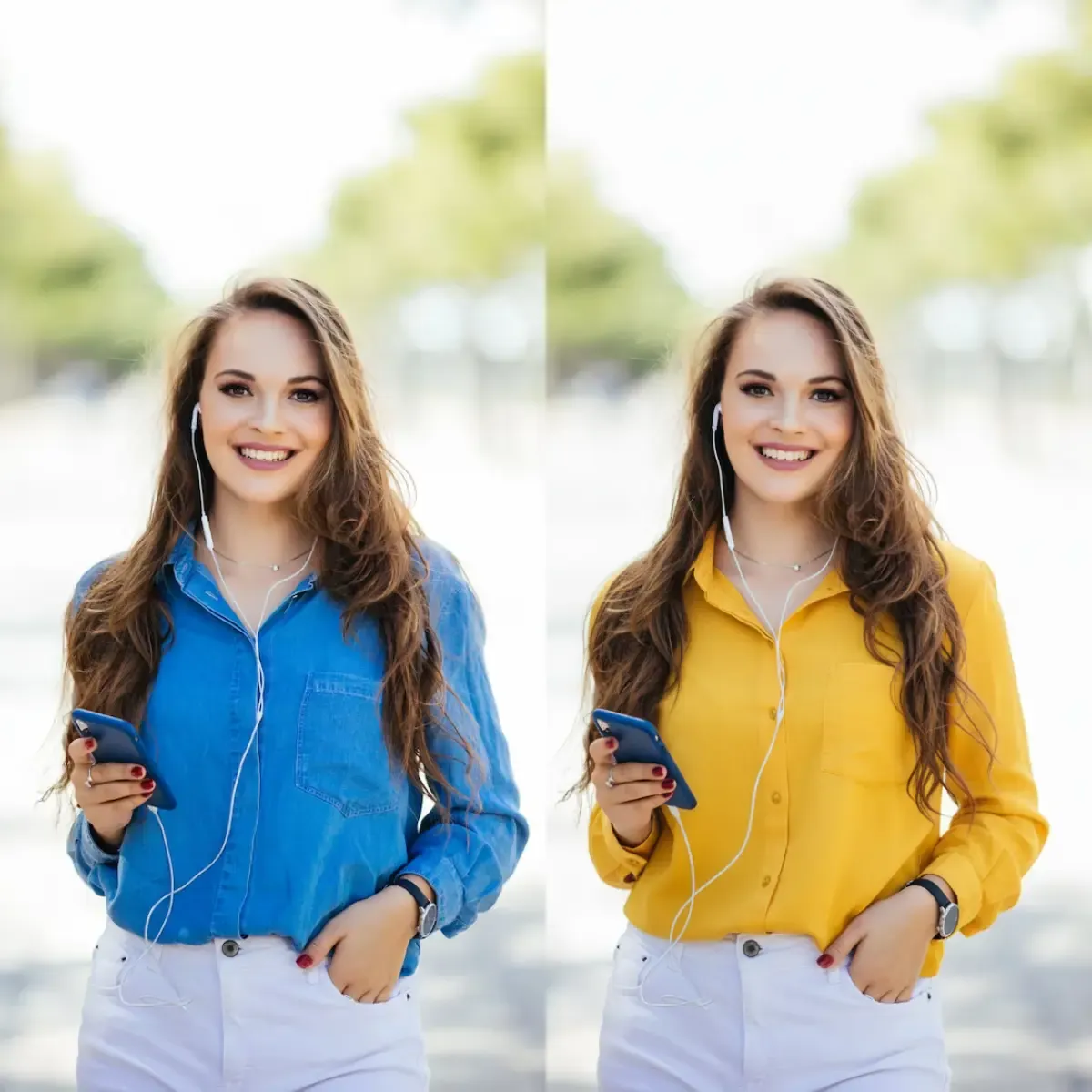
Change Color of Image
Change the color of clothing, products, or hair while keeping textures realistic.
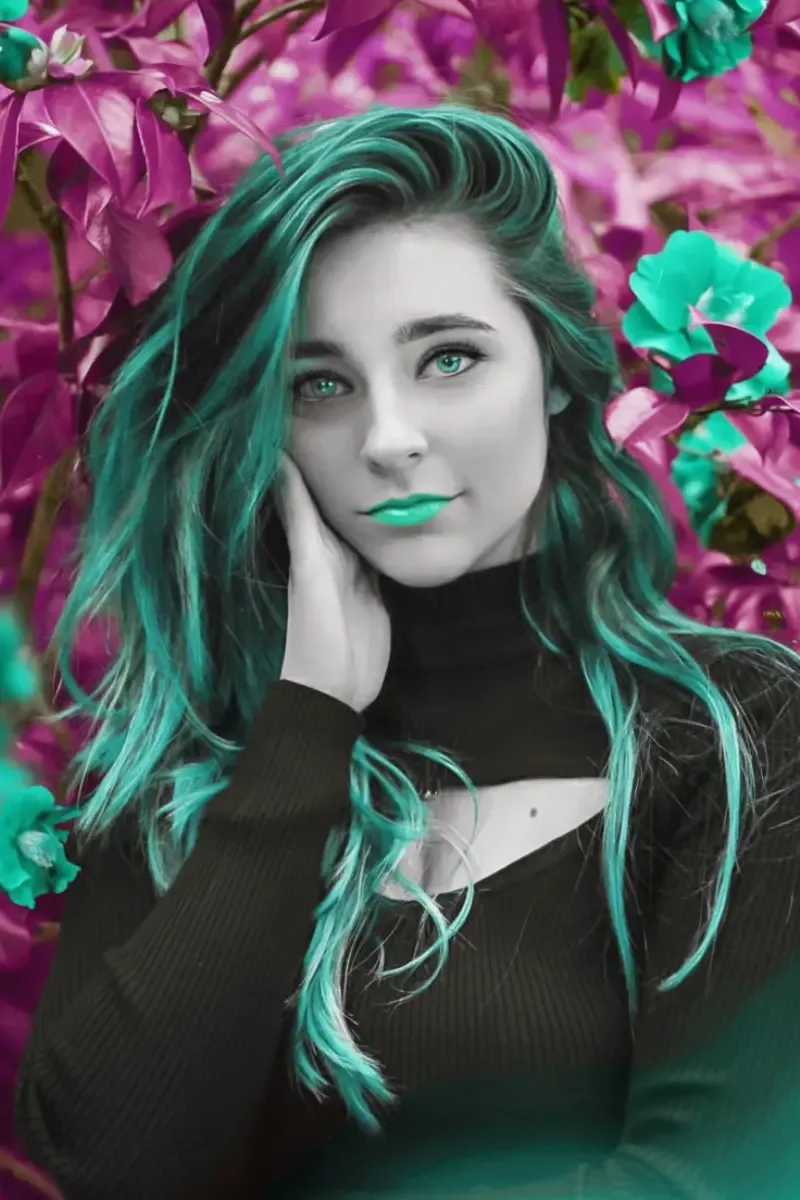
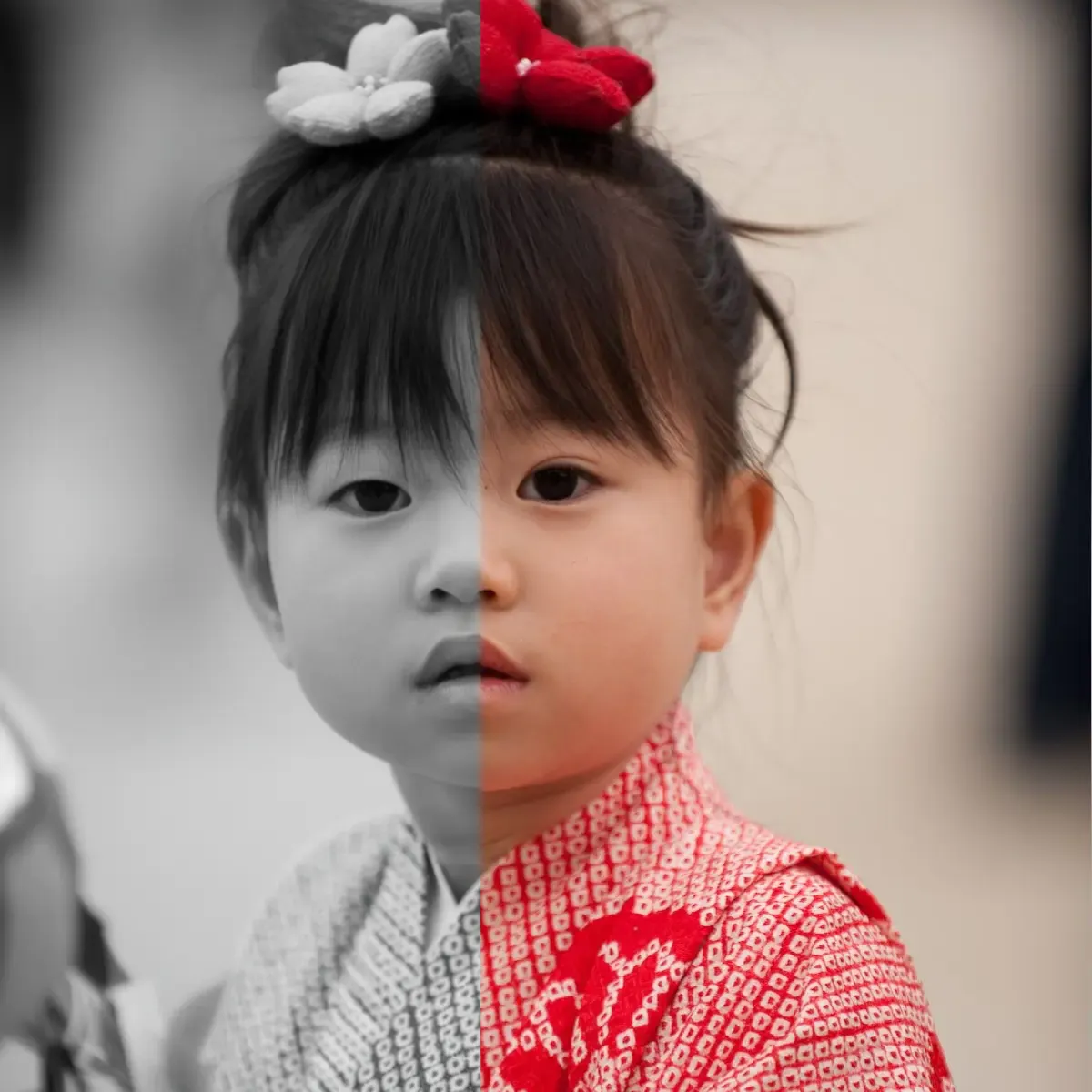
Photo Colorizer
Colorize black-and-white family photos and historical images with natural, AI-rendered tones.
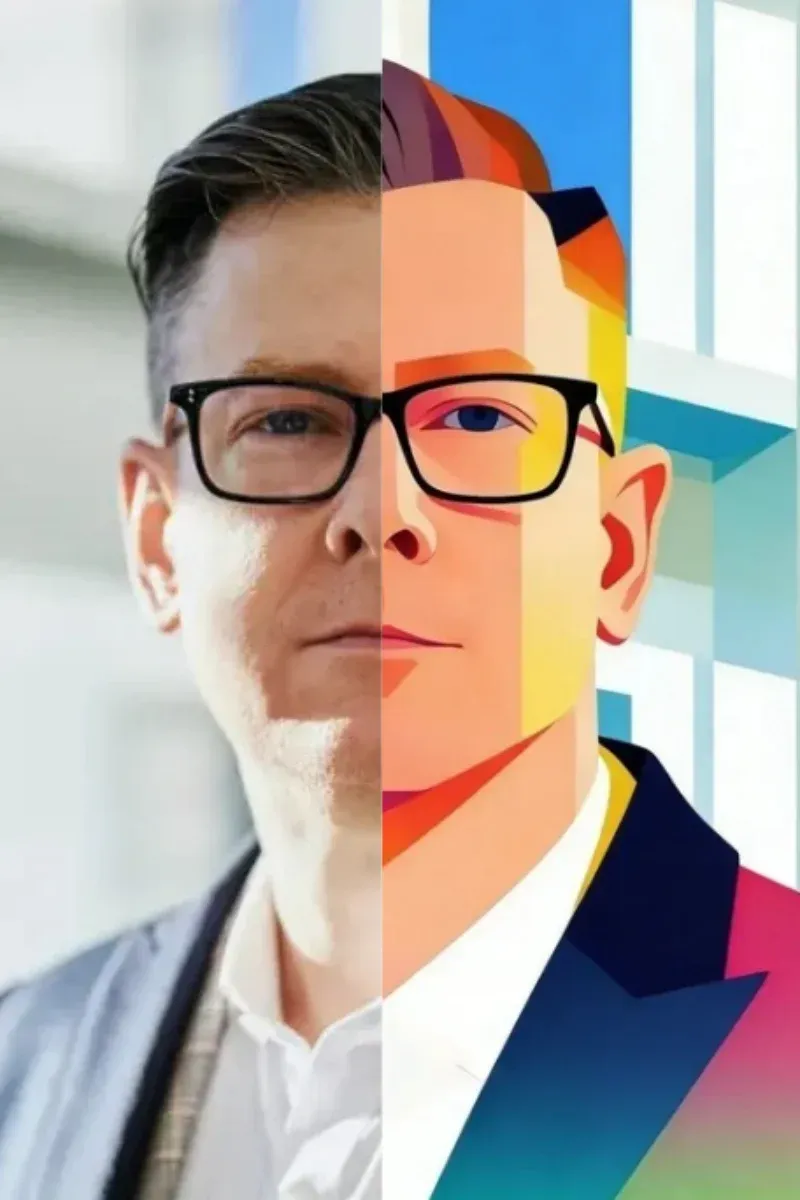
AI Line Art Colorizer
Auto-color line drawings and sketches for illustration and social posts.
Edit Any Photo with AI in Three Steps
Upload → pick a tool → download. No install. No signup.
Upload your photo
Drag and drop or browse for the photo you want to edit. Phone shots work directly — no resizing needed.
Pick an AI photo editing tool
Choose from background removal, upscale, color correction, and more. Use the slider to fine-tune strength.
Download the result
Results render in seconds. Save as a high-quality PNG. Regenerate as many times as you want until you love it.
When to Use AI Photo Editor
From Amazon listings to restoring grandma's photo albums, AIGAZOU solves your photo problems in seconds.
Amazon product listings
Amazon's listing guidelines demand pure-white backgrounds and 1600px+ images for zoom. Remove the existing background, drop the product on white, and upscale — all in one tab.
Etsy & Shopify storefronts
Make handmade and resale listings look studio-shot. Knock out clutter, refine product colors, and sharpen detail — without a photo studio.
Restore old family photos
Bring grandma's photo album back to life. Colorize black-and-white prints, fix blurry portraits, and upscale faded scans to keepsake quality.
Repair damaged & blurry photos
Smartphone snapshots from a decade ago, water-damaged prints, or out-of-focus moments — AI rebuilds them in seconds.
Instagram & TikTok content
Make every post feed-ready. Remove distractions, swap backgrounds, and reshape crops without losing resolution.
LinkedIn & resume photos
Turn a phone selfie into a professional headshot. Clean background, sharp eyes, color-corrected skin tones — instantly.
AI Photo Editing Workflows | Combine Tools for Better Results
One tool is great. Three is unstoppable. Here are the three golden workflows our users run every day.
Amazon listing workflow
Take any raw product photo from your phone and turn it into a marketplace-compliant listing image.
Old photo restoration workflow
Take a faded, blurry, black-and-white photo and bring it into the modern era.
Social post cleanup
Strip out distracting elements before posting to keep the focus on your subject.
Online AI Photo Editor vs Photoshop & Apps
Why thousands choose a browser-based AI photo editor over installed software — compared across 7 dimensions.
| AIGAZOU (online AI photo editor) | Photoshop / photo editing apps | |
|---|---|---|
| Install | Browser only — no download | Required |
| Learning curve | One click, instant result | Hours of tutorials |
| Price | Free with daily credits | Paid subscription |
| Device support | Desktop, mobile, tablet — same URL | Different app per device |
| Output quality | High-resolution PNG | Apps often compress |
| Commercial use | Allowed — you own the output | License restrictions |
| Data storage | Deleted instantly, no cloud sync | Always synced to cloud |
What AI Photo Editor Users Say About AIGAZOU
Real feedback from people using our AI photo editor every day.
「My product photos used to take hours in Photoshop. AIGAZOU removes the background, drops it on white, and upscales it — all in a browser tab. My listings look studio-shot and conversion jumped within a week.」
「I sell handmade ceramics on Etsy and used to spend weekends color-correcting product shots. The AI nails my glaze colors in one click. Easily saved me 10 hours a month.」
「I scanned my late mother's albums and wanted to colorize the black-and-white prints. Desktop tools were too technical. AIGAZOU did it in seconds and the results made the whole family emotional.」
「I work with 1900s-era photos for family history. The unblur tool brought back details I never thought I'd see again, and the colorizer is shockingly accurate for skin tones.」
AI Photo Editor — Frequently Asked Questions
More AI Photo & Image Tools
AI Photo Editor × AI Photo Editing, free right now.
No signup. Results in 3 seconds. No Photoshop, no installed app — the full AI photo editor runs in any browser, free to start.
Start AI Photo Editing Free