0/500

Professional face editing no longer requires complex tools. With this online face smooth feature, simply upload your photo and apply natural face smoothing instantly. AIGAZOU‘s AI focuses on skin areas that need refinement, gently softening texture and reducing visible imperfections while keeping facial features sharp and realistic.
Remove Blemishes Now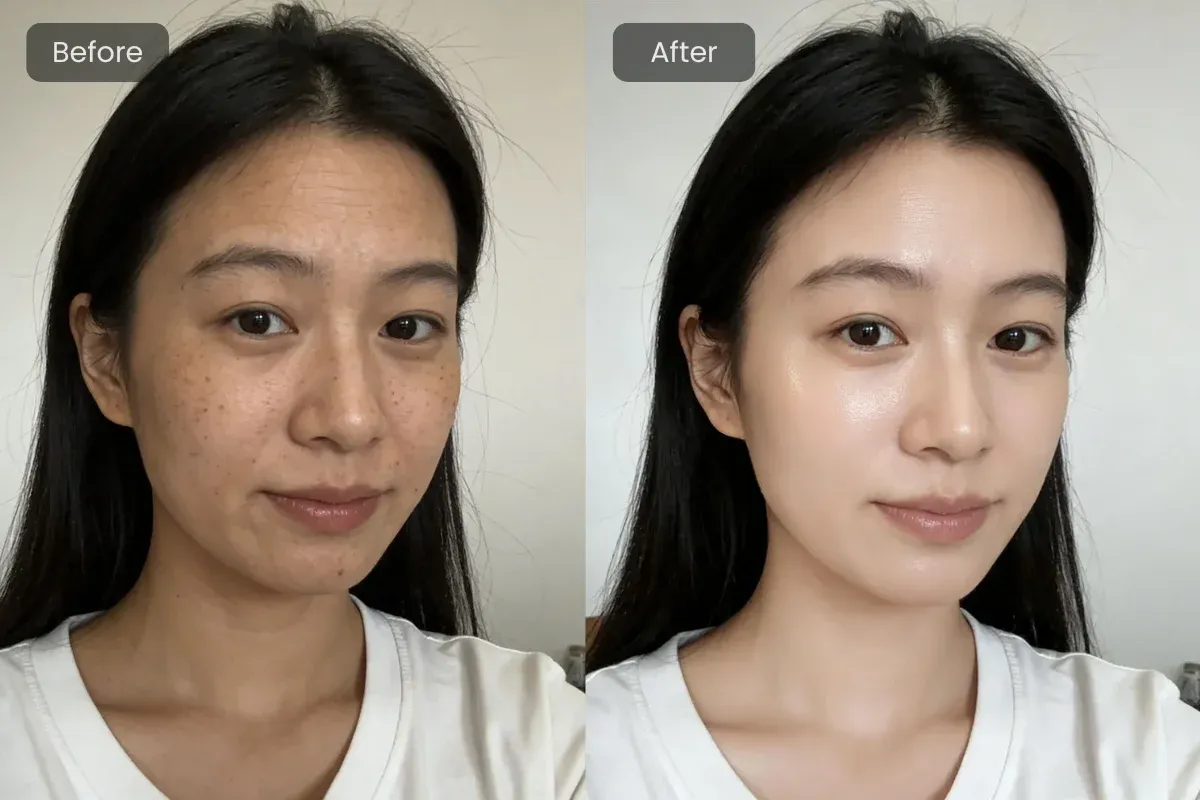
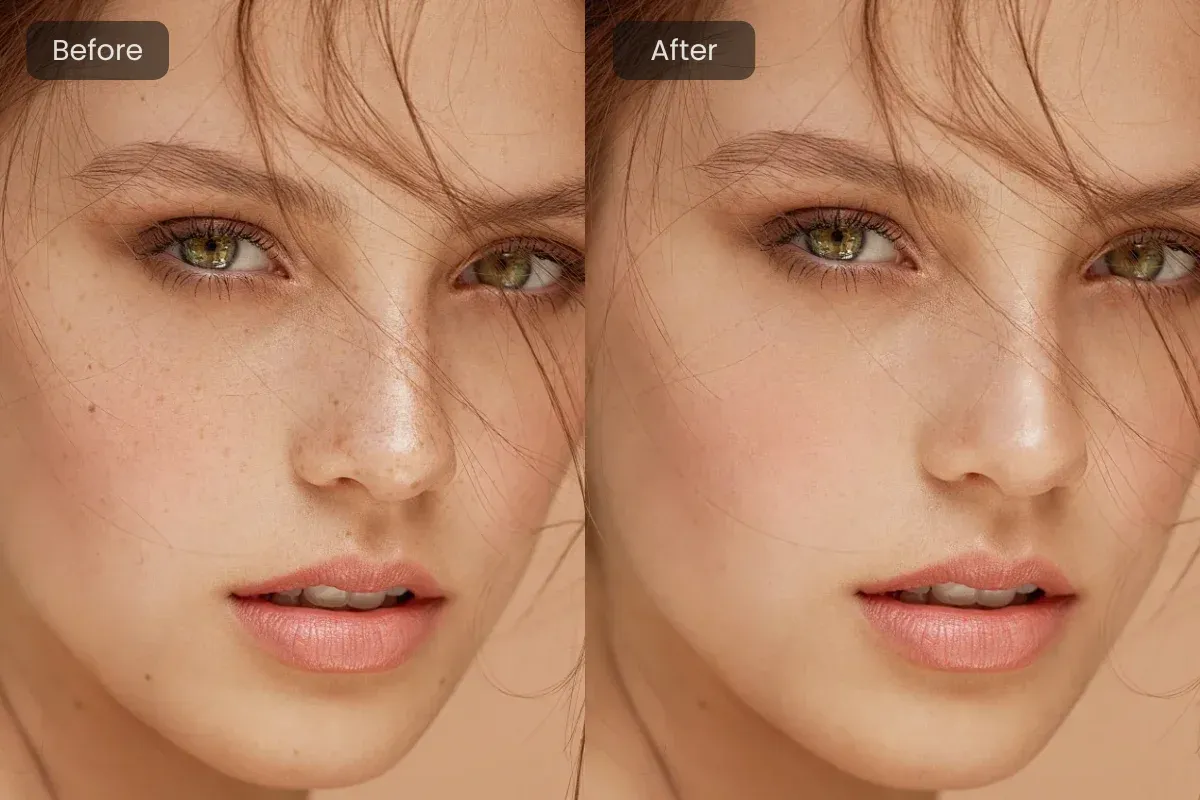
Every face and photo is different. AIGAZOU's online face smooth tool automatically adapts to lighting, skin tone, and image quality. You can fine-tune the smoothing intensity to achieve anything from a subtle touch-up to a cleaner, more polished look — all while preserving natural skin details.
Start for Free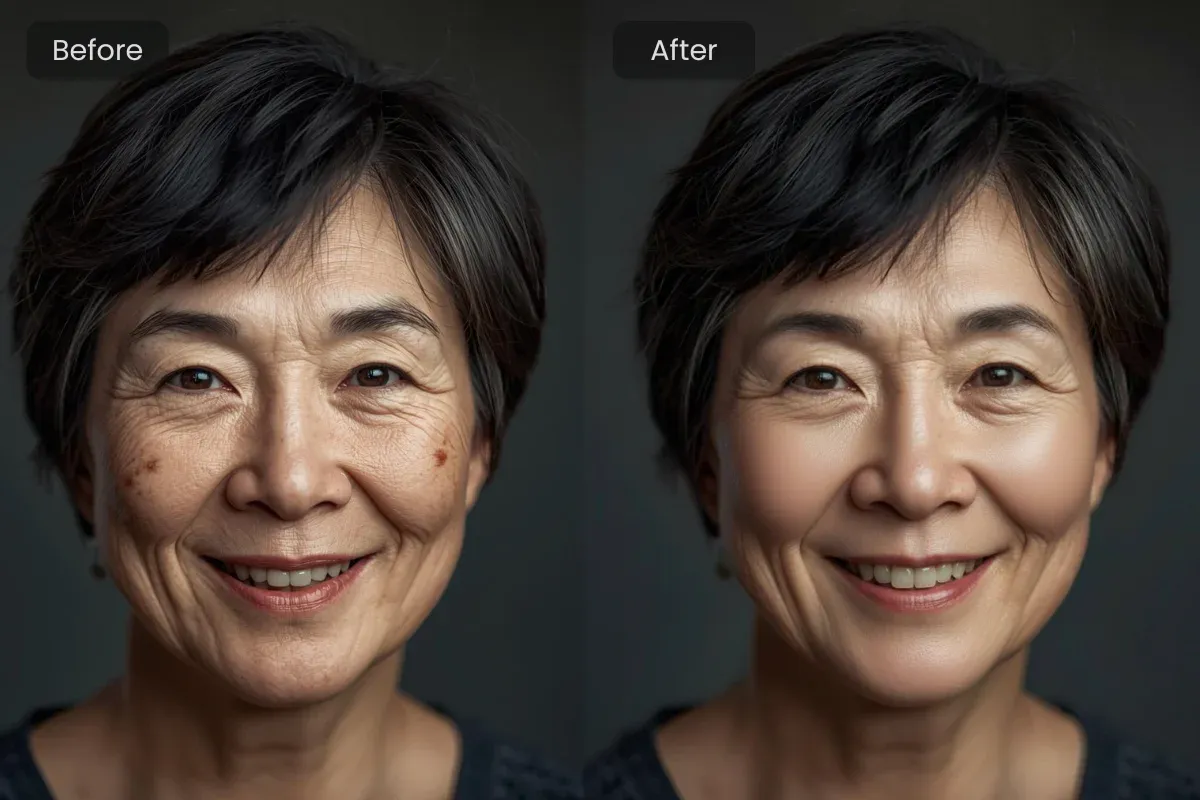
Good face editing should enhance, not erase. AIGAZOU's online face smooth technology avoids excessive blur and protects key details like eyes, lips, and hair. The result is a refreshed portrait that still looks like you — just smoother, cleaner, and more balanced.
Start for FreeA polished headshot makes a strong first impression. Use online face smooth editing to gently reduce blemishes, uneven skin tone, or under-eye shadows. The result is a calm, confident look that works perfectly for LinkedIn profiles, resumes, and other professional uses.

Lighting and camera quality aren’t always ideal. AIGAZOU‘s online face smooth tool helps refine skin texture in selfies and profile photos, so your images look clean, balanced, and natural — without heavy filters or artificial effects.
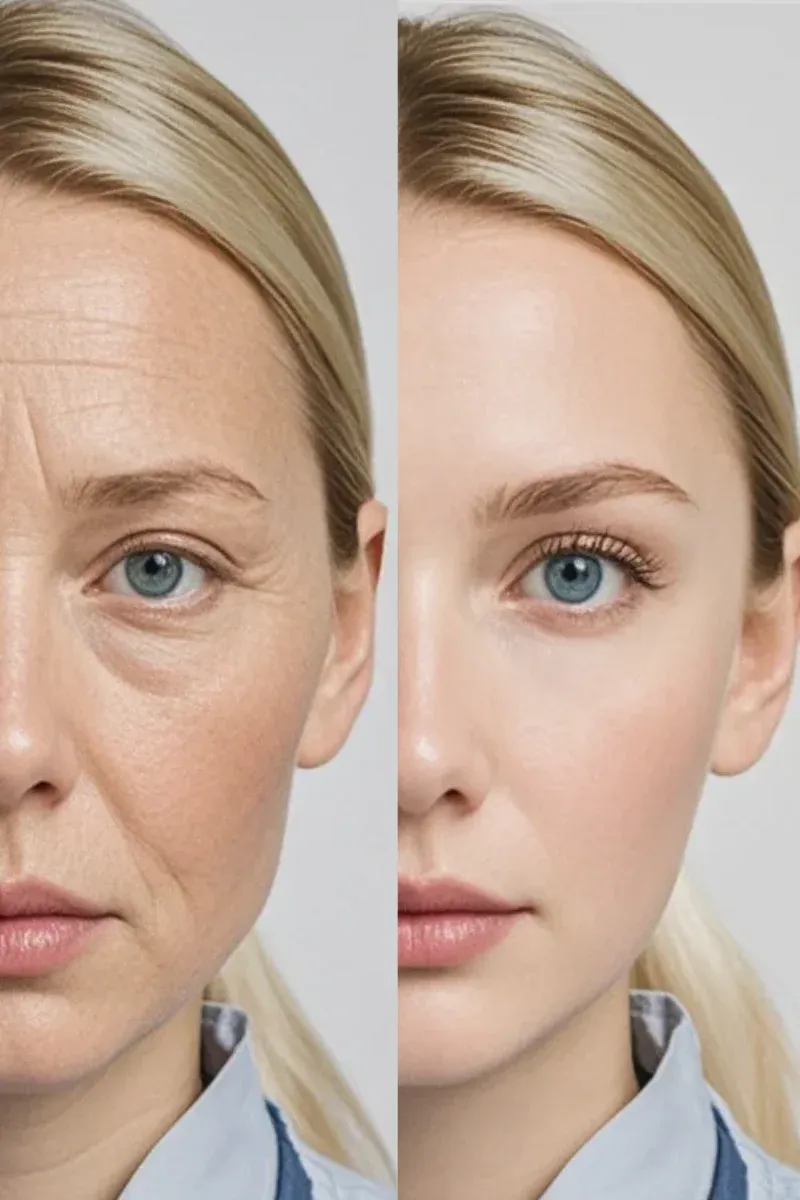
Family photos, celebrations, and personal milestones deserve careful editing. Apply subtle face smoothing online to reduce shine or soften fine lines while keeping expressions natural and emotions intact.
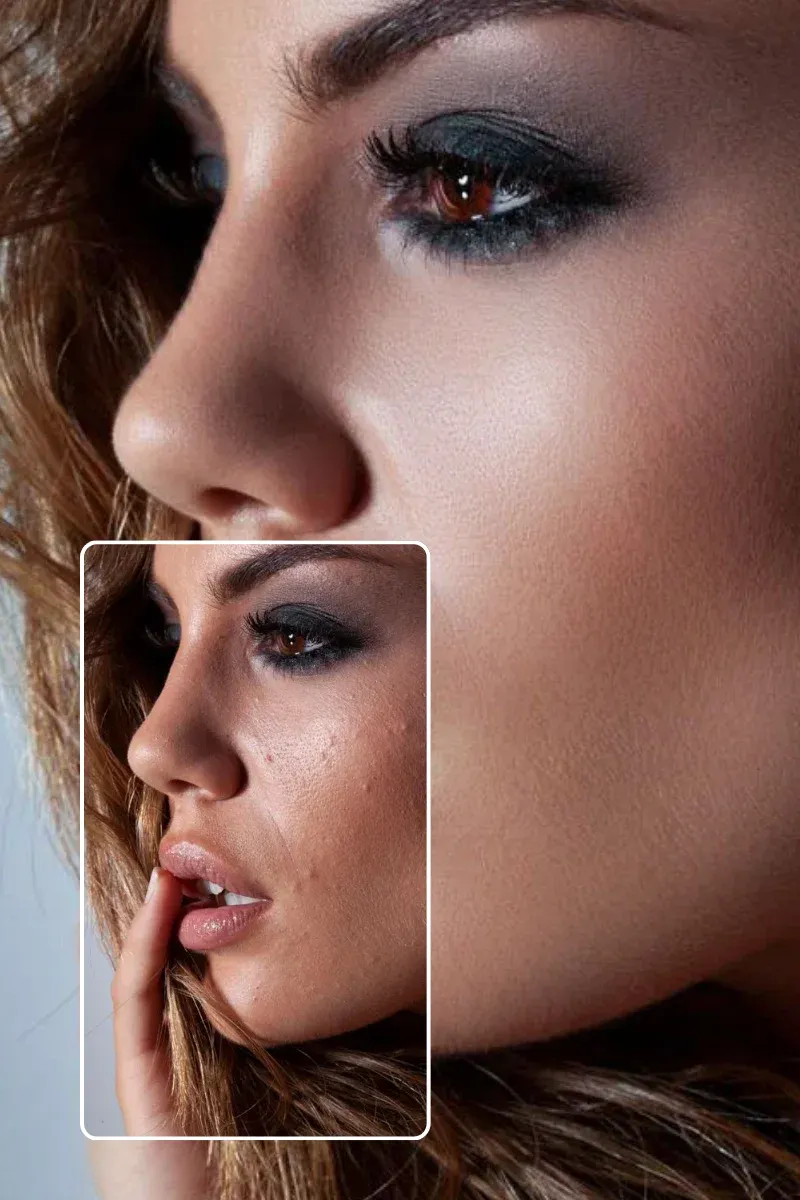
Upload a clear portrait to the online face smooth tool. Common formats like JPG and PNG are supported, and your image is processed securely.
No manual input needed. Simply upload your photo and let the AI automatically apply face smoothing. The tool detects skin areas and optimizes texture, tone, and blemishes in one click — no settings or technical knowledge required.
The AI automatically analyzes your photo and applies face smoothing to skin areas that need refinement, while preserving important facial details.
Preview the result, then download your smooth face photo. It’s ready for personal use, social media sharing, or keeping as part of your photo collection.
Photos are processed in seconds, even at higher resolutions. AIGAZOU’s没 online face smooth tool delivers quick, clean results without slowing you down — perfect when you need natural face smoothing with minimal effort.
No editing experience is required. The interface is clear and intuitive, allowing anyone to smooth their face online and achieve natural-looking results without learning complex tools.
The face smoothing effect is carefully balanced to refine skin texture without blurring important facial features. Your photos still look real — just cleaner, smoother, and more polished.
You can try the online face smooth tool for free and download watermarked results. Upgrading unlocks watermark-free downloads and additional features for users who need more flexibility.
Enjoy natural face smoothing that enhances your photo without heavy editing.
Smooth Face NowYour photos are handled securely and only used to generate your face smooth result. We never reuse images or apply them for unrelated purposes.
As a browser-based face smoothing tool, it works smoothly on both desktop and mobile devices, making it easy to smooth face photos online whenever you need.
"I use headshots for my consulting profile. This face smooth tool cleaned up my skin subtly and saved me time and money."
Sarah Johnson
34 years old, Business Consultant
"As a blogger, speed matters. This online face smooth feature helps my photos look fresh even after long shooting days."
Chloe Davis
29 years old, Lifestyle Blogger
"I was worried it might look fake, but it only softened my skin slightly. Perfect for family photos."
Michael Rodriguez
41 years old, Teacher
"The adjustment slider makes a big difference. I can control exactly how much face smoothing I want."
Emily Swift
26 years old, Graphic Designer
"I use it before posting profile photos online. The results look clean and natural, not overly edited."
Daniel Thompson
37 years old, Marketing Manager