0/500

Our tool does more than just sharpen; it understands the photo. The AI identifies the type and cause of blur—whether from camera shake, subject movement, or focus issues—and applies a tailored correction. This means you get a naturally enhanced image, not an artificially oversharpened one, for a result that looks authentically clear.
Unblur Image For Free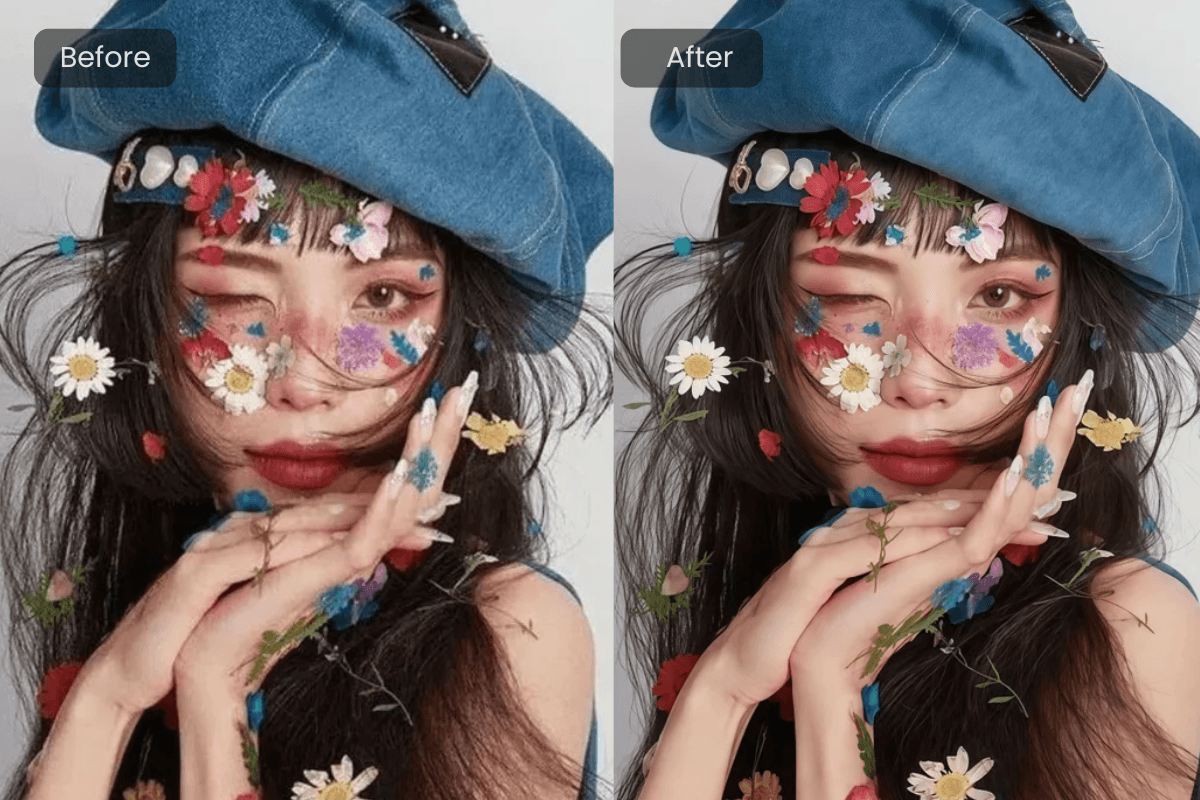
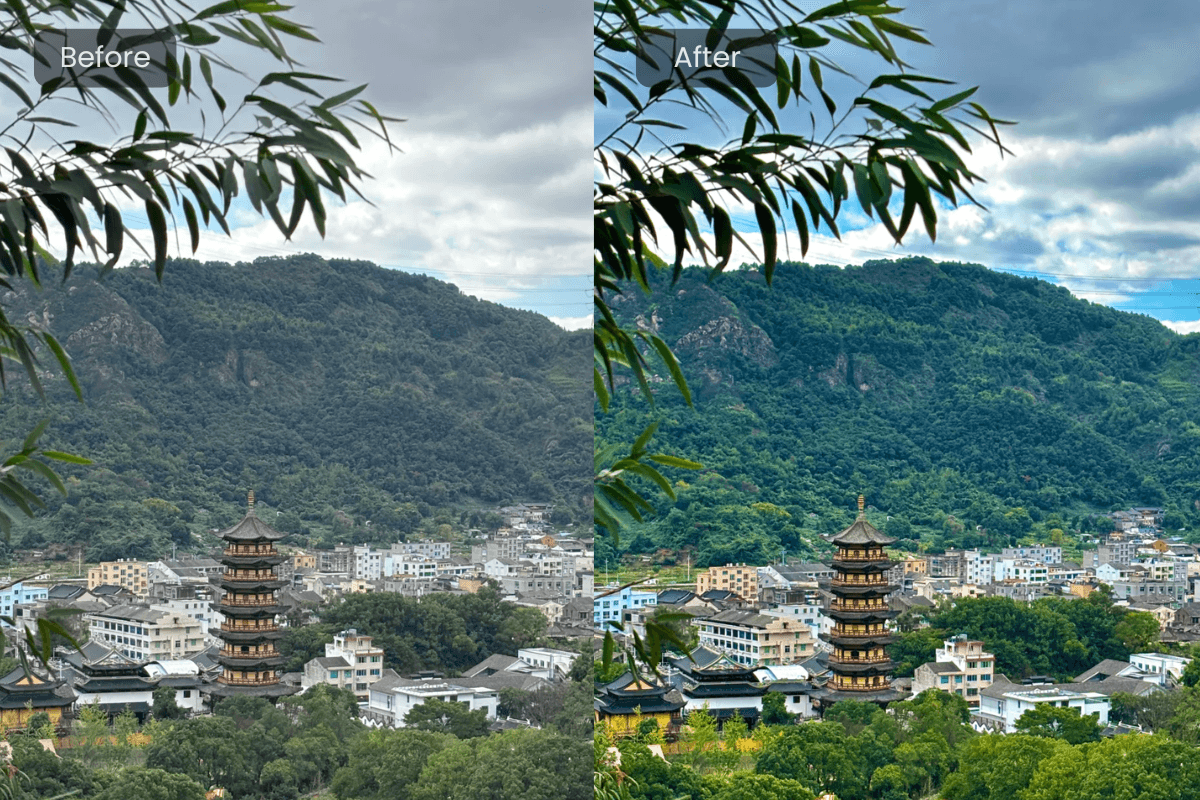
The journey from a blurry photo to a sharp one is incredibly simple. The interface is designed for everyone. Just upload your picture, and with a single click, watch as our AI works its magic. There are no confusing sliders or technical settings to adjust, making professional-grade blur remover technology accessible to all.
Start for Free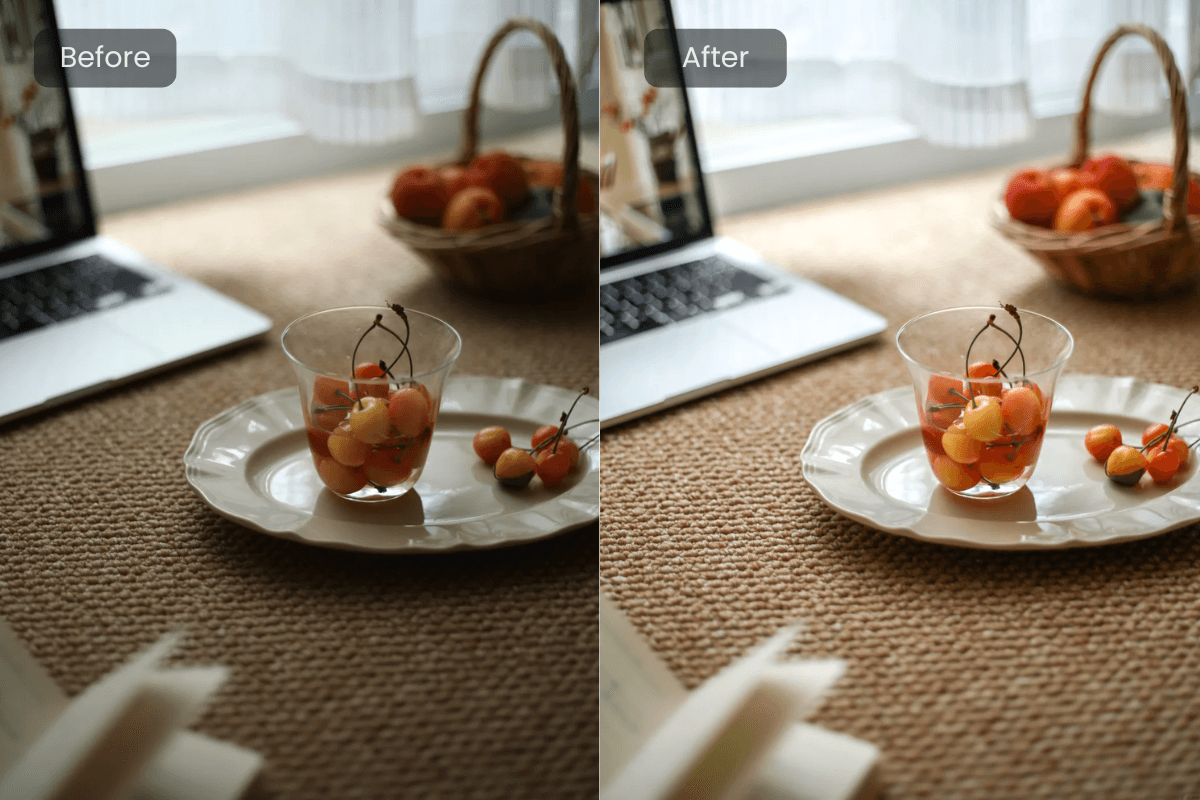
We know your photos are precious. AIGAZOU's unblur tool is built to enhance, not degrade. Our algorithm is fine-tuned to reduce blur while preserving the original quality, texture, and colors of your image. You get a cleaner, sharper photo without the unwanted noise or artifacts that cheaper tools can introduce.
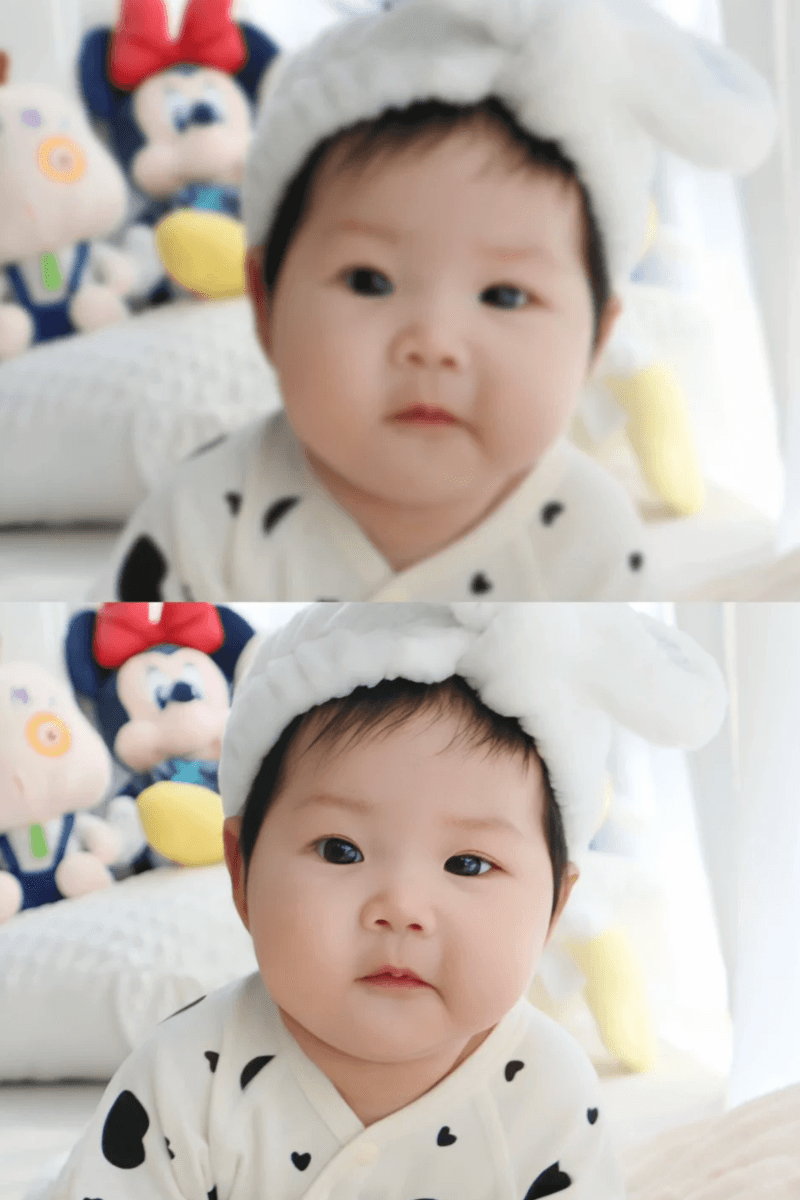
Start for FreeThat group photo where someone moved, or a beautiful portrait that was just slightly out of focus—don't delete them. Our tool is perfect for salvaging personal photos, ensuring your memories stay vivid and clear for years to come.
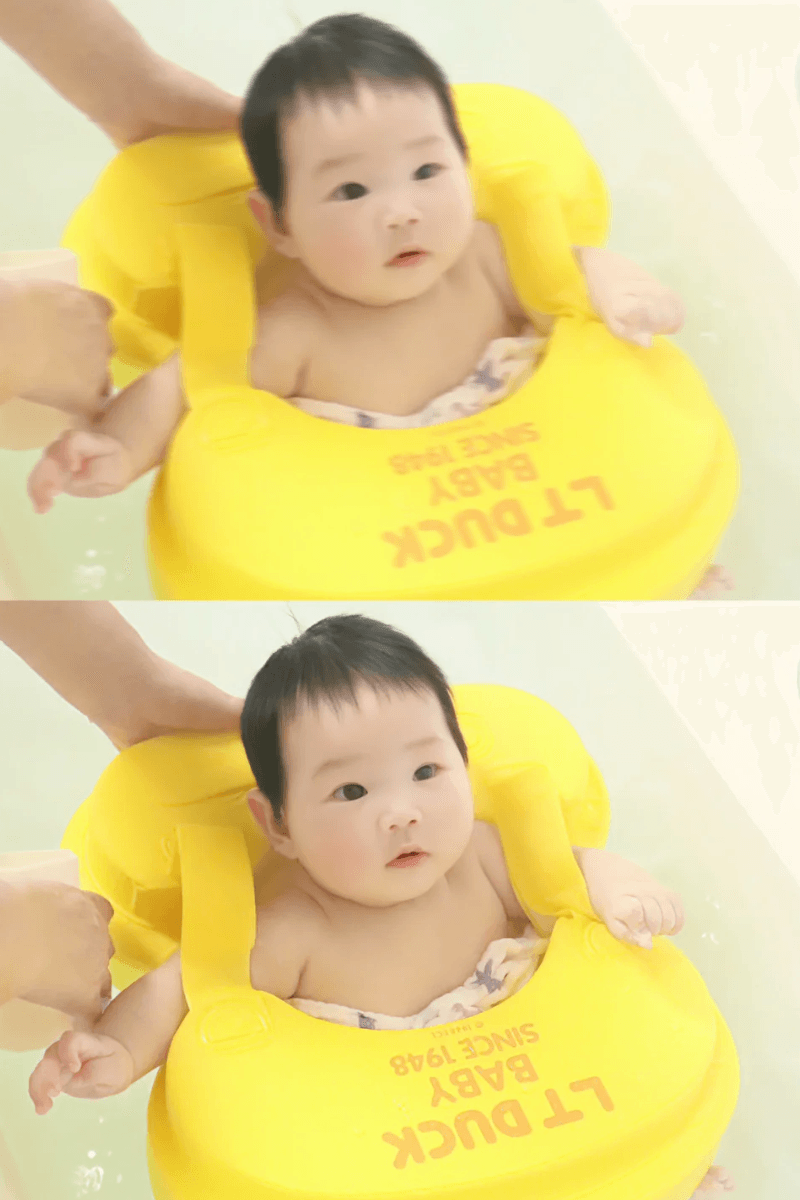
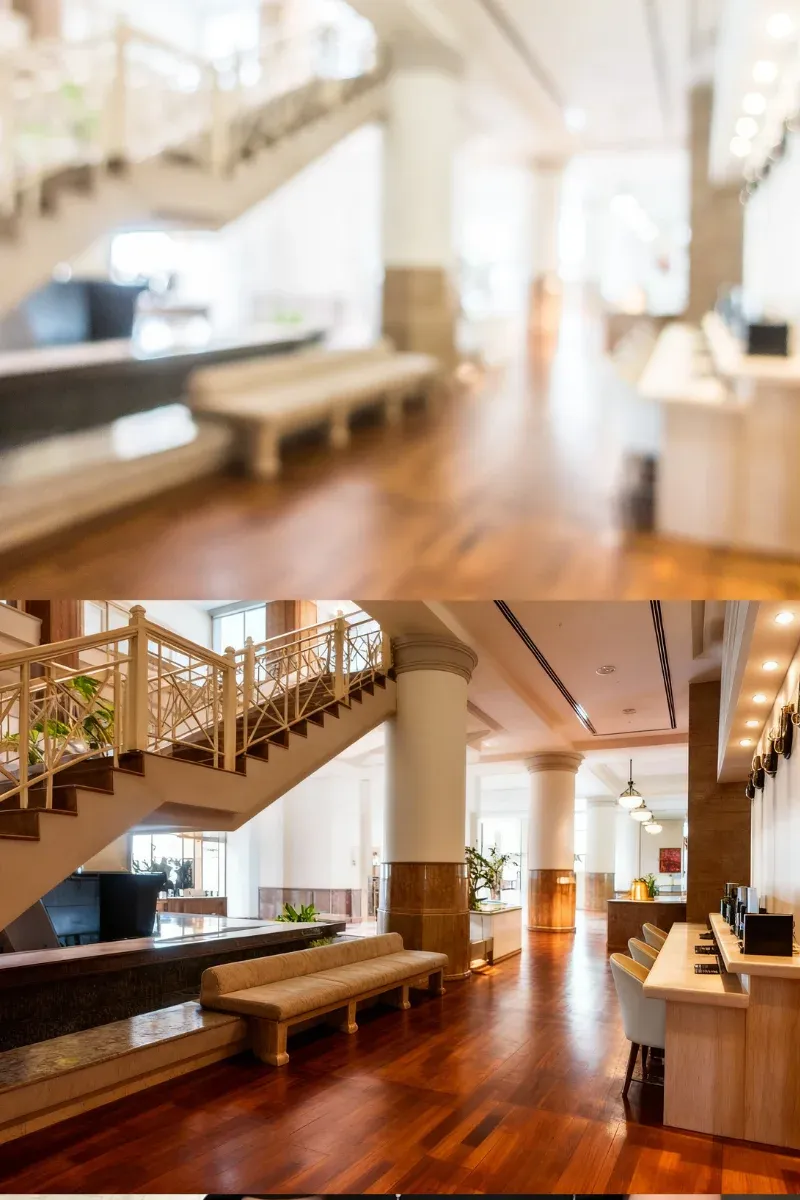
For bloggers, real estate agents, or small business owners, image quality matters. Remove blur from photo online free to make your product shots, property photos, and marketing materials look more professional and engaging, directly impacting how your audience perceives your brand.
Whether you're capturing wildlife, your latest craft project, or a stunning landscape, sometimes the shot doesn't do the scene justice. Use AIGAZOU to bring back the fine details and clarity, turning a good photo into a great one that truly reflects your skill and vision.
Head to the AIGAZOU unblur tool and drag your image directly into the upload zone. We support all common formats like JPG and PNG. Your file is processed securely and privately in the cloud.
Once uploaded, our AI automatically scans the image, identifies blurry areas, and calculates the best way to enhance clarity. You just sit back for a moment while the processing happens.
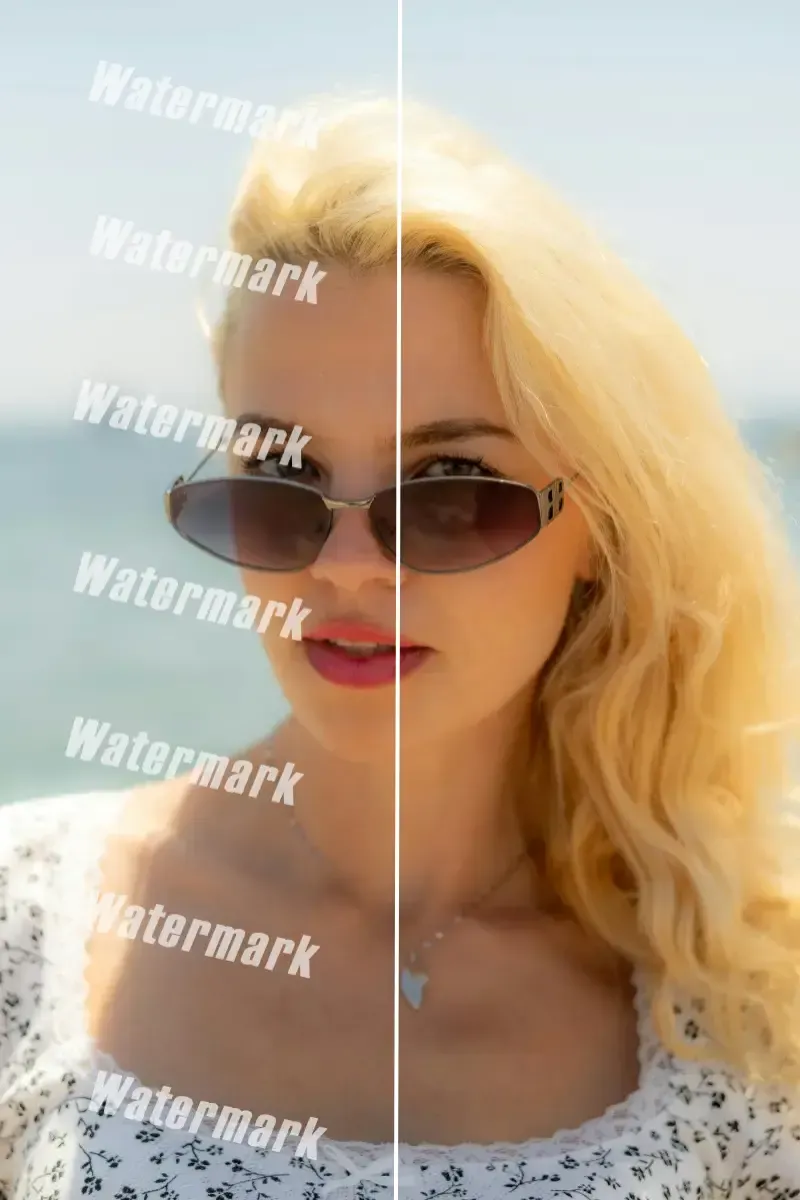
See the result instantly side-by-side with your original. If you want to tweak the level of sharpening, a simple slider lets you control the intensity before the final save.
You can upload and remove blur from photo online free with our core tool. We believe you should see the power of AI before committing. For frequent users needing ultra-high-resolution downloads or batch processing, our affordable Pro plan offers even more.
Time is precious. Our optimized cloud processing means you get a clearer image in just a few seconds, making it perfect for quick edits without disrupting your workflow.
You don't need to be a photo editor. The tool is built on a simple "upload-and-enhance" principle. If you can use a website, you can fix a blurry photo with AIGAZOU.
Our users rely on us because the AI delivers consistently great results. It’s not a hit-or-miss tool. You can count on it to improve your images predictably.
We take privacy seriously. Uploaded images are used solely for processing and are not stored on our servers or used for training after your session ends.
Give your photos the clarity they deserve with our powerful yet simple AI tool.
Unblur Image For FreeSatisfied with the crystal-clear result? Click download to get your enhanced image directly to your device. It’s ready to print, post, or share with the world.
We continuously update our AI models to handle even the most challenging blurs. This commitment to innovation means you’re always using one of the most advanced blur remover tools available.
"I almost deleted a once-in-a-lifetime shot of my daughter blowing out her birthday candles because it was blurry. This tool saved it. The result was so natural, my husband thought I'd used a professional camera."
Sarah Jenkins
32 years old, Mom & Blogger
"As a Realtor, crisp property photos are everything. AIGAZOU's unblur tool has become my secret weapon for fixing those slightly shaky indoor shots. It makes my listings look so much more professional."
Michael Rodriguez
41 years old, Real Estate Agent
"I use this for my Etsy shop. Sometimes my product photos don't turn out perfectly sharp. This is the fastest way to clean them up without needing to reshoot. It's saved me hours."
Emily Carter
28 years old, Small Business Owner
"The free version is fantastic for the quick fixes I need for my social media. The AI is smart and doesn't make the photos look fake. I recommend it to all my creator friends"
Chloe Davis
24 years old, Social Media Manager
"I'm a hobbyist photographer, and I was amazed at how well it corrected a slightly out-of-focus bird photo. The detail it recovered in the feathers was impressive."
Robert Kim
50 years old, Photography Enthusiast
"Incredibly straightforward. I'm not tech-savvy, but I had my old family photo cleared up and looking brand new in less than a minute. It felt like magic."
Barbara Miller
67 years old, Retired Teacher