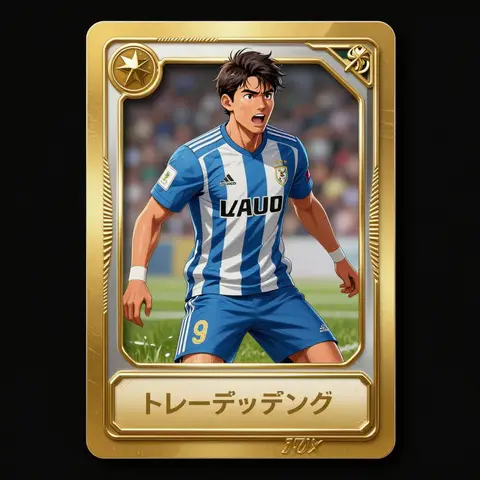
Free AI Image & Video Generator
Turn a prompt or a photo into AI images and videos in seconds — then remove backgrounds, upscale and apply trending effects in one workspace. No sign-up, no watermark, commercial use OK.
Turn any idea into a finished image
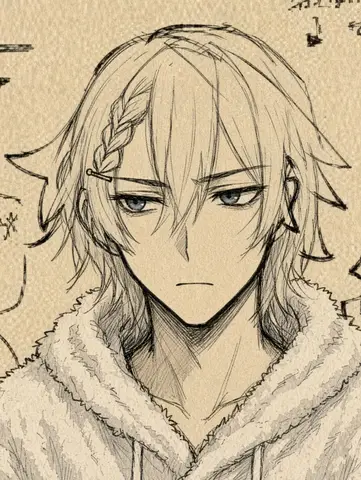
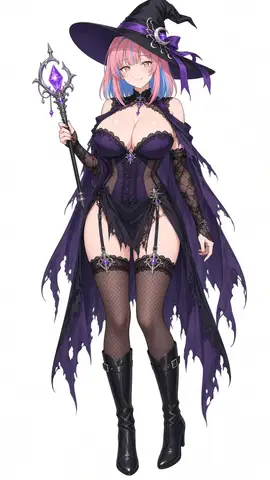
Type a prompt in plain English and AI turns it into a high-quality image — anime, photorealistic or watercolor. Use the anime character creator or OC maker to design avatars, icons and banners exactly how you want.
Generate an image free →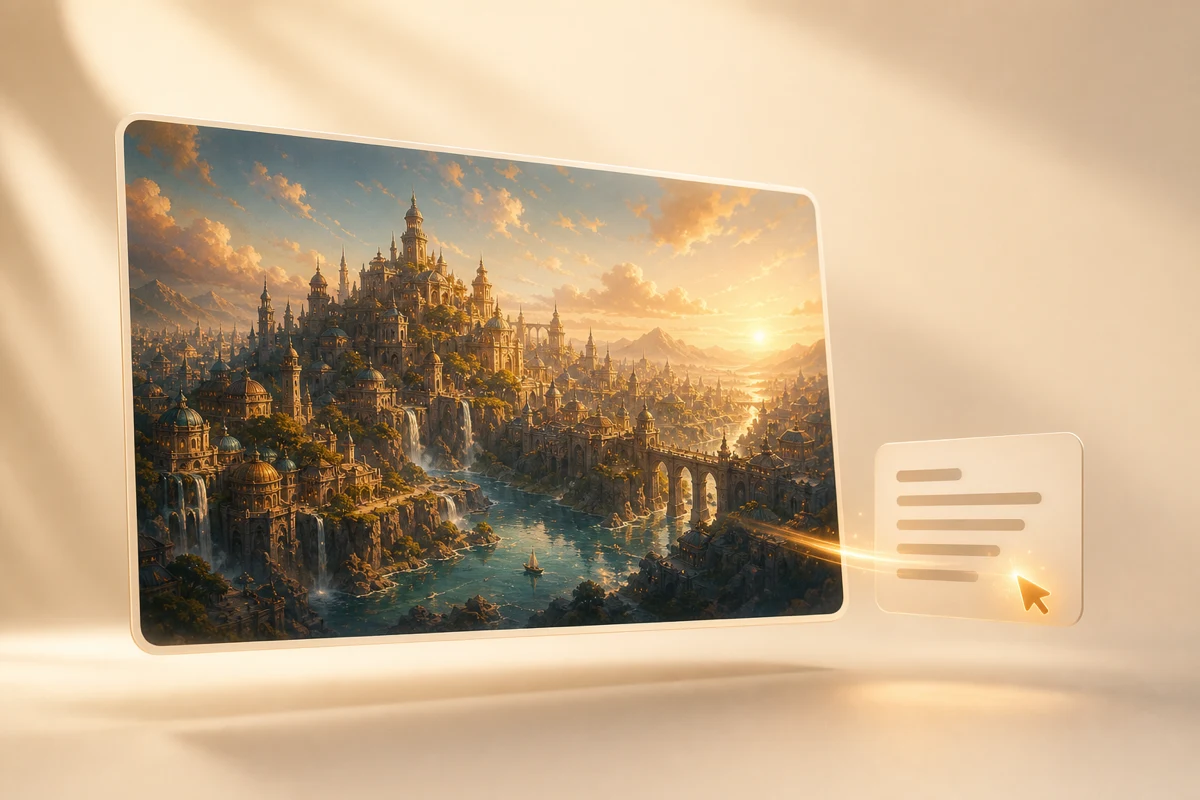
Bring that idea to life as a video
Write a prompt for text to video, or animate a photo with image to video. Switch between the latest AI video models to make reels, ad clips and product videos in seconds.
Generate a video free →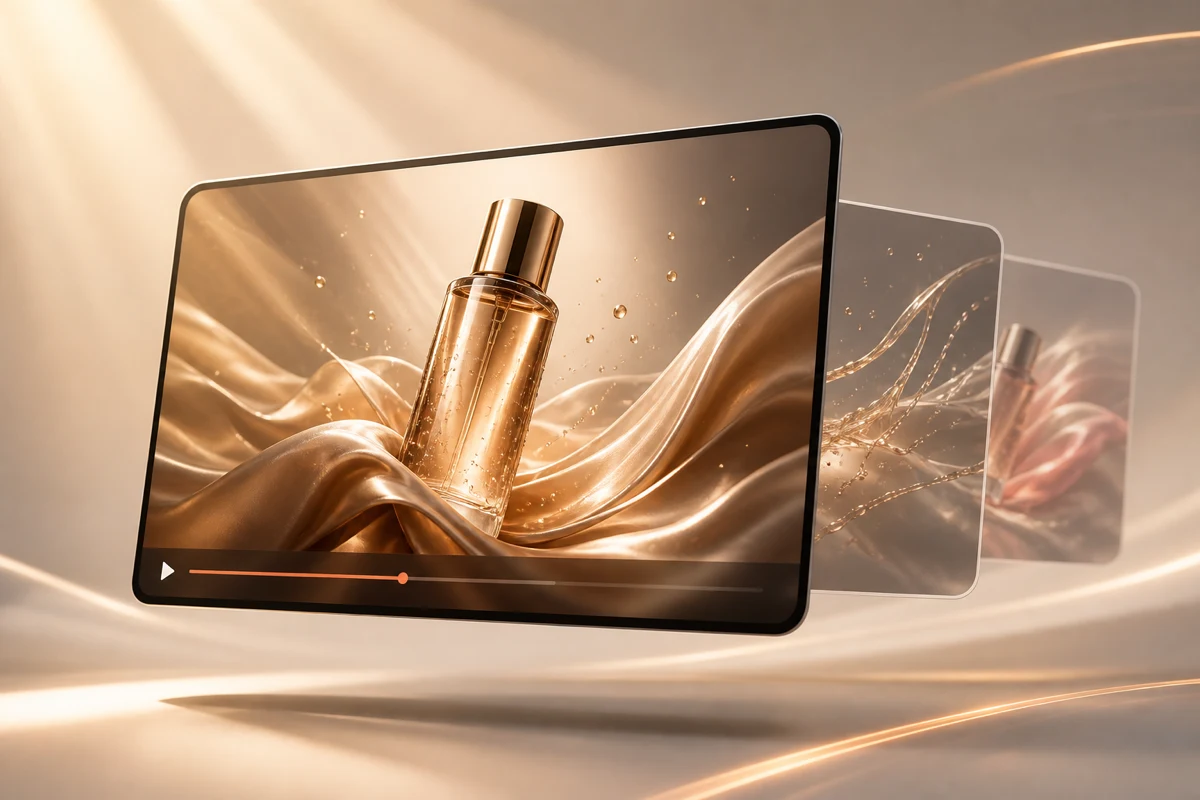
Don't just generate — finish it here
Remove the background in one click and upscale to high resolution. Set a white background, extend the frame with AI image expand, or unblur the details — no jumping between apps.
Edit a photo free →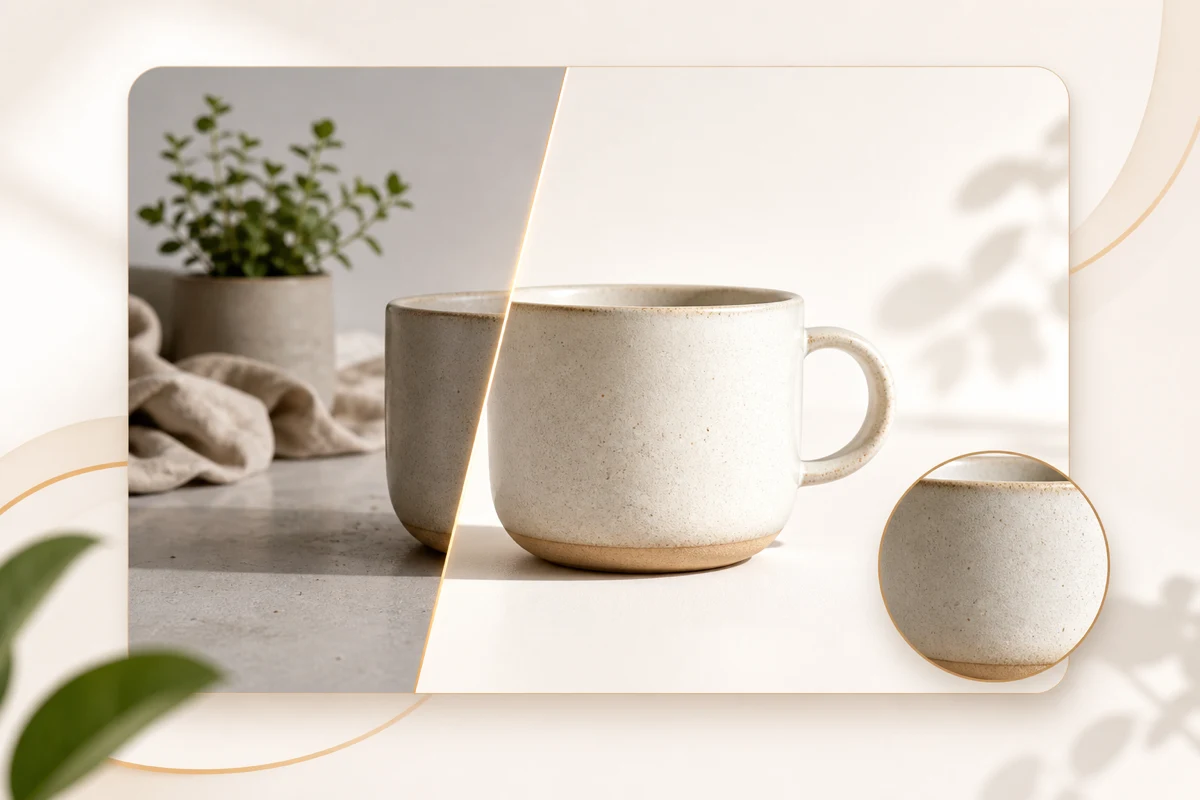
Trending effects in a single tap
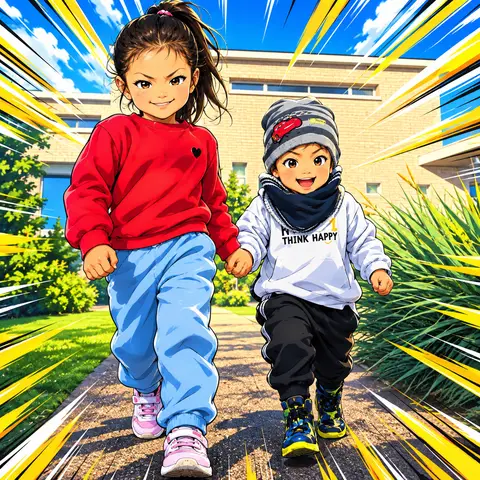
Turn photos into anime or Ghibli-style art, or try the Disney filter, JoJo style, oil painting and sketch looks — one tap on your own photo.
Try effects free →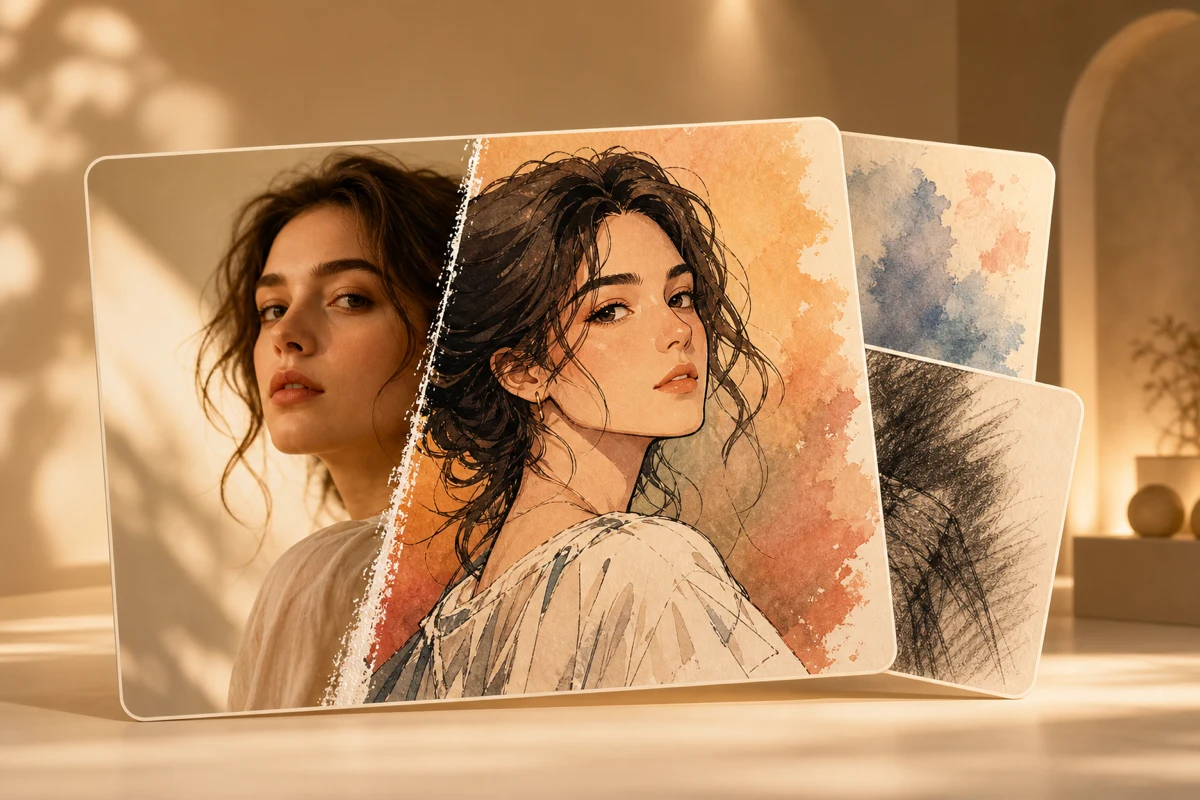
Every AI tool in one place
From AI image and video generation to background removal, upscaling and photo-to-art — switch tabs to match your task and try any tool free.
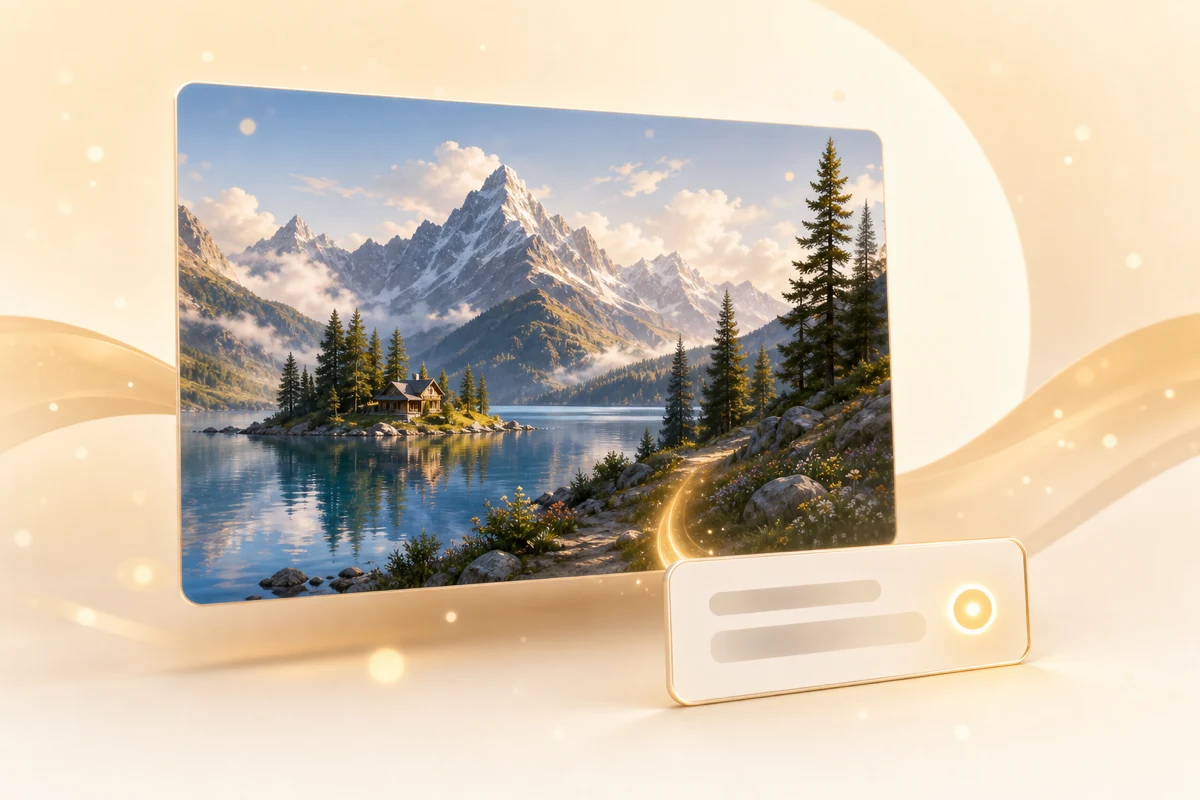
Generate images from text
Type a prompt and get a high-quality image in seconds — anime to photorealistic. AI image generation tuned to follow your prompt.
Try AI image generation →Powered by trending AI image & video models
Pick the latest AI model for the job. Switch between Seedream, Nano Banana, Kling, Veo and more from the model list.
 Seedream
 Nano Banana Pro
 Nano Banana
 Grok
Grok GPT Image
 Kling
Kling Veo
Veo Seedance
 Wan
WanGet started in 3 easy steps
Enter a prompt & add references
Describe the image or video you want in plain English. Upload a reference image, video or audio and tag it with '@' in your prompt to keep the same character or composition.
Pick a model & fine-tune
Choose an AI model and style for your use case. Set aspect ratio, resolution and count for images, or length, audio and the first and last frame for video.
Generate & download
Done in seconds to minutes. Download your favorite without a watermark — cleared for commercial use.
Trusted by creators worldwide
What creators say
Feedback from creators using AI image and video generation.
「Just typing a prompt gave me exactly the image I pictured. Running our socials got so much easier.」
「I animate product photos for our store. Loved being able to try it instantly without signing up.」
「Switching between models to compare is really handy for drafting illustrations.」
「Image-to-video is smooth, and making short ad clips got much faster.」
Frequently asked questions
Create your first AI image or video — free
No sign-up, no watermark, commercial use OK. Start the moment inspiration strikes.
Get started free